LG Smart TV Remote Control
by Quanticapps FZ LLE (0 Reviews) July 30, 2024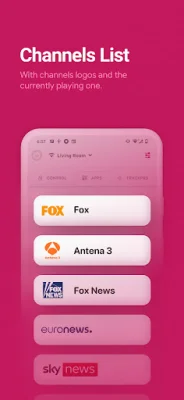
Latest Version
July 30, 2024
Quanticapps FZ LLE
Tools
Android
0
Free
com.quanticapps.remotelgtvs
Report a Problem
More About LG Smart TV Remote Control
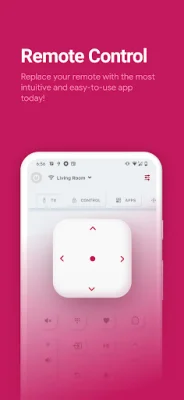
The LG Remote Control for LG TV plus is an app that allows you to control your LG smart TV using your smartphone or smartwatch. It connects to your TV over WiFi and offers a variety of features such as turning your TV on and off, changing channels, adjusting the volume, and even using a real keyboard to enter text. This app aims to upgrade your traditional remote control to a more convenient and versatile option.
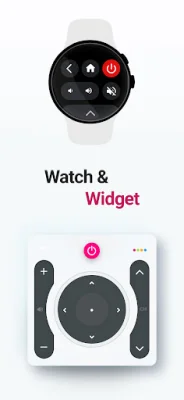
One of the key features of this app is its compatibility with Wear OS, allowing you to control your TV from your wrist. It also supports turning your smart TV on or off, switching channels by scrolling or entering a number, and adjusting the volume. With just one tap, you can instantly mute your TV using the LG Remote Control.
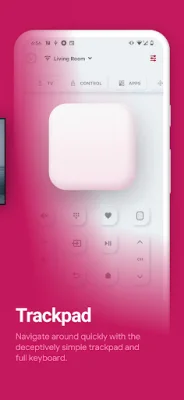
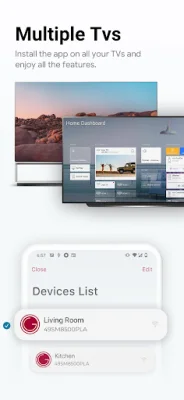
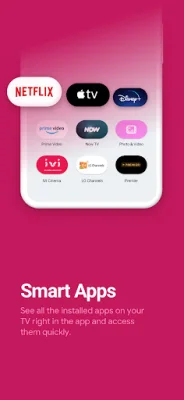
In addition to basic TV controls, this app also allows you to change the input source, control multiple smart TVs from one place, and navigate through features using the LG TV Remote. You can even add a widget to your home screen for quick access. The trackpad feature makes browsing the web on your TV easier, and you can also access built-in smart apps like Netflix directly from the app.
The LG Smart TV Remote Control app is compatible with all LG Smart TV OLED and NanoCell TVs with WebOS and Netcast systems. It also offers the ability to stream local content directly to your TV from the app. The developers are constantly working to add more features and welcome user feedback through reviews and ratings.
It's important to note that this app is not an official LG ThinQ application and is not affiliated with LG Electronics. However, it offers a convenient and user-friendly way to control your LG smart TV. So if you're tired of using a clunky remote, give the LG Remote Control for LG TV plus a try and see how it can enhance your TV viewing experience.
Rate the App















Popular Apps









