Miracast: Screen share mirror
1.0 by MONIQ TAP., CO LTD (0 Reviews) August 23, 2024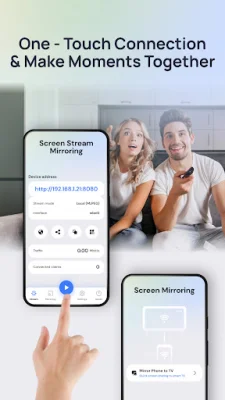

Latest Version
1.0
August 23, 2024
MONIQ TAP., CO LTD
Tools
Android
0
Free
com.moniqtap.screenshare.miracast.mirroring
Report a Problem
More About Miracast: Screen share mirror
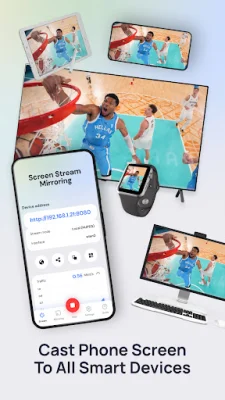
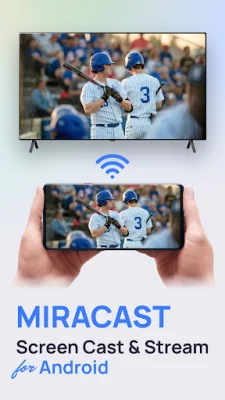
Miracast is an application that allows for wireless connectivity between devices, making it easy to mirror or cast your screen without the need for additional equipment. It supports HD display with high-quality video and audio transmission, making it ideal for streaming and screen sharing. It is compatible with various operating systems and devices, making it a versatile option for different use cases. The user-friendly interface makes it easy to connect and start screen sharing or casting.
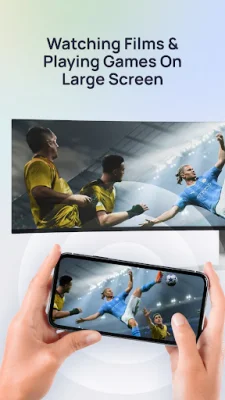
One of the main use cases for Miracast is for presentations in business or educational settings. It eliminates the need for cables and allows for a seamless screen sharing experience. It is also great for entertainment purposes, such as streaming videos or playing games on a larger screen. Additionally, it can enhance productivity by allowing for multitasking and efficient screen mirroring.
To use Miracast, the receiving device must be connected to the same Wi-Fi network as the phone. Then, the user can input the URL or scan the QR code displayed on the phone to connect the devices. The app is free to install, but some premium features require a subscription. Non-subscribed users can still use these features a limited number of times per day. Subscriptions automatically renew unless cancelled, and users can manage their subscription settings in their account.
It is important to note that any unused portion of a free trial will be forfeited if the user subscribes. The app's terms of use and privacy policy can be found on the website, and users are encouraged to read them before using the app. Miracast offers a convenient and versatile solution for wireless screen sharing and casting, making it a valuable tool for both personal and professional use.
Rate the App













Popular Apps









