
TV Remote Control - Roku & All
1.5.2 by FlyMobile (0 Reviews) April 29, 2026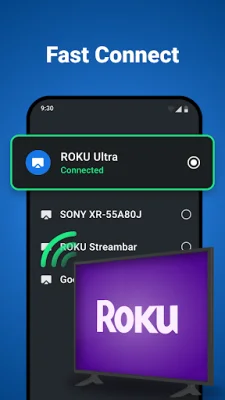
Latest Version
1.5.2
April 29, 2026
FlyMobile
Tools
Android
0
Free
com.universalcontroller.airemote
Report a Problem
More About TV Remote Control - Roku & All
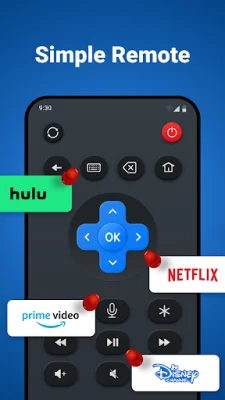
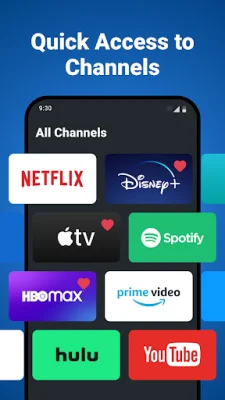
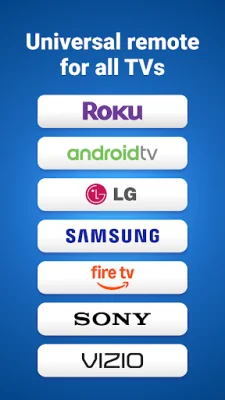
Our app, TV Remote, allows users to control their TV using their Android device. It supports a variety of brands including Roku, Android TV, LG, Samsung, Fire TV, Sony, and Vizio. With our app, users no longer have to search for their physical remote, as their phone becomes their new remote. This provides a seamless and convenient experience for users, as they always have their remote at hand.
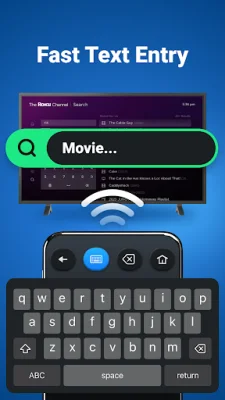
The app has a user-friendly interface, making it easy for users to navigate their TV. It also allows for effortless text input, eliminating the need for a tedious on-screen keyboard. Users can simply use their device's keyboard for typing. As the app continues to add support for more brands, users can enjoy growing compatibility with their TV.
One of the key features of TV Remote is its ability to work without line-of-sight. Unlike traditional infrared or bluetooth remotes, TV Remote operates over the home network. This means that users can control their TV from anywhere in their home, as long as they are connected to the same network. This provides added convenience and flexibility for users.
Users can download TV Remote today and revolutionize their TV viewing experience. However, it is important to note that TV Remote is an independent application and is not officially associated with any of the brands mentioned. While the app has been thoroughly tested on various TV models, it may not be compatible with all TVs. In such cases, users can reach out to the app's support team for assistance.
Rate the App













Popular Apps









