
Move Apps To SD CARD
by DeveloAraForApp (0 Reviews) April 29, 2026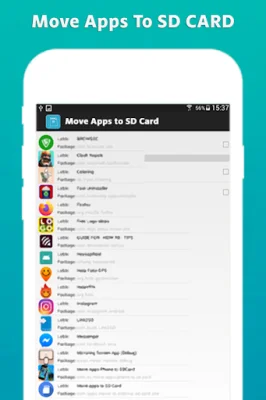
Latest Version
April 29, 2026
DeveloAraForApp
Tools
Android
0
Free
com.milesapps.apps_to_sdcard
Report a Problem
More About Move Apps To SD CARD
Google Android 2.2 and up has a feature that allows users to move apps to their SD card. However, this feature only works if developers have enabled it when coding their apps. Additionally, not all data from the app will be transferred to the SD card, leaving some on the phone's disk. This means that as more apps are installed, the less free space there is on the phone.
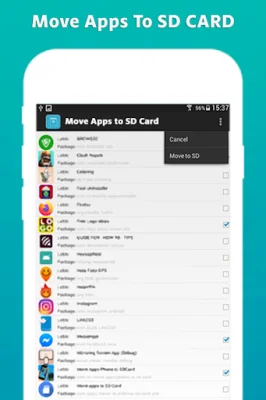
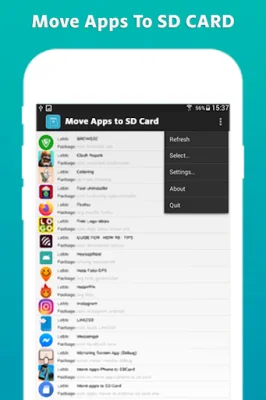
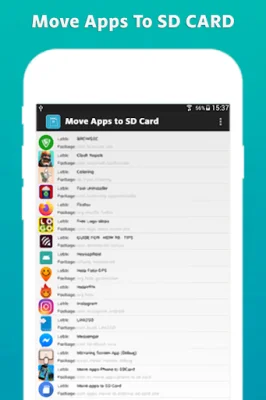
To address this issue, there is a new tool called "Move Applications to SD CARD" that makes it easy for Android users to move almost any app to their SD card directly from their phone. This tool can help free up storage space for other apps and data.
If you are running out of storage space for your apps, you may not know that you can transfer data from your phone to your SD card. This can be done using the "Move Applications to SD CARD" tool.
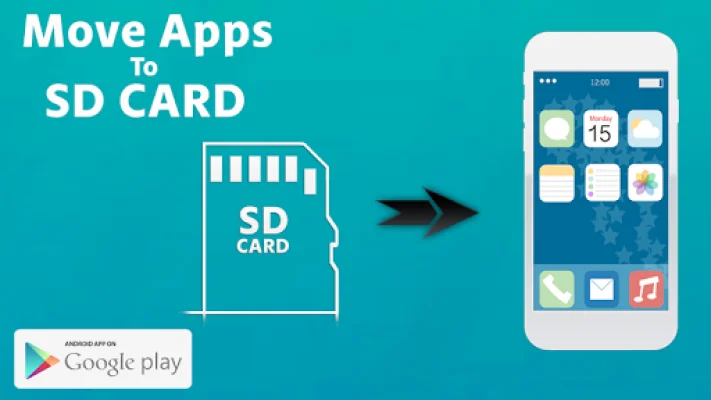
The main feature of this tool is the ability to move apps from the phone's memory to the SD card. This can help free up space on the phone and improve its performance. If your phone or SD card is full and you are unable to move data from the phone to the SD card, this application can help solve that problem.
Overall, "Move Applications to SD CARD" is a useful tool for Android users who are looking to free up storage space on their phone. It is available for free download and can be used to easily move apps to the SD card, freeing up space on the phone's memory. This can help improve the overall performance of the phone and make it easier to manage apps and data.
Rate the App














Popular Apps









