

Speed Cleaner - Junk & Cache
1.0.3 by ITEYON (0 Reviews) April 29, 2026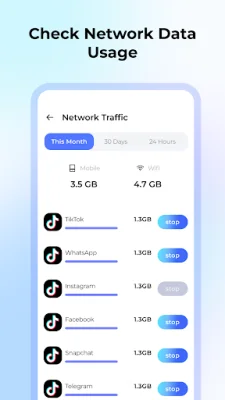
Latest Version
1.0.3
April 29, 2026
ITEYON
Tools
Android
0
Free
com.speedcleaner.clean
Report a Problem
More About Speed Cleaner - Junk & Cache
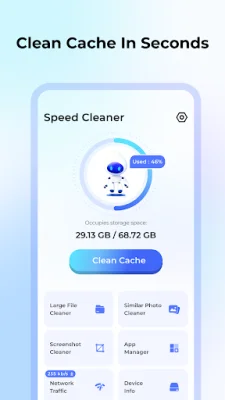
The application is designed to help users manage and optimize their device's storage space. It offers several core features, including a cache cleaner, large file cleaner, app manager, and privacy and security measures. These features work within Google's developer policies and do not collect any personal data, ensuring the user's privacy.
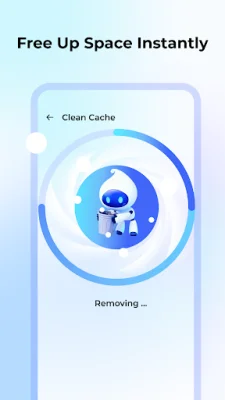
The cache cleaner scans and removes junk files, system caches, and residual files from the device. This helps to free up storage space and improve the device's performance. It also identifies and removes duplicate photos and files, which can also take up unnecessary space on the device.
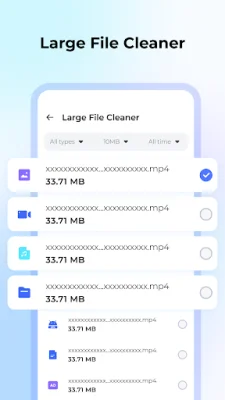
The large file cleaner allows users to browse and manage their files by categories. It identifies large files that are taking up storage space and allows users to sort them by size, date, or type for easy cleanup. This feature helps users to quickly identify and delete large files that they no longer need, freeing up valuable storage space.
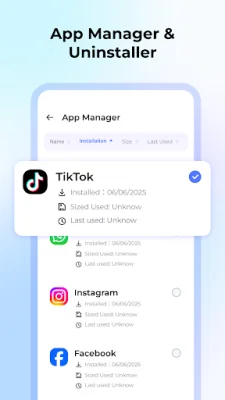
The app manager feature displays all installed applications and their storage usage. This allows users to easily identify and uninstall any unused apps, further freeing up storage space on their device.
The privacy and security measures of the application are also highlighted. All cleaning operations are performed locally on the device, ensuring that no personal data is collected or uploaded to external servers. The required permissions are only used for the stated cleaning functions, providing users with peace of mind regarding their privacy.
The application also provides a link to its privacy policy and terms of use, ensuring transparency and compliance with regulations. Overall, the application offers a convenient and secure way for users to manage their device's storage space, without compromising their privacy.
Rate the App















Popular Apps









