Mobile Casting & Mirroring
1.0.0 by B01T Apps (0 Reviews) September 13, 2024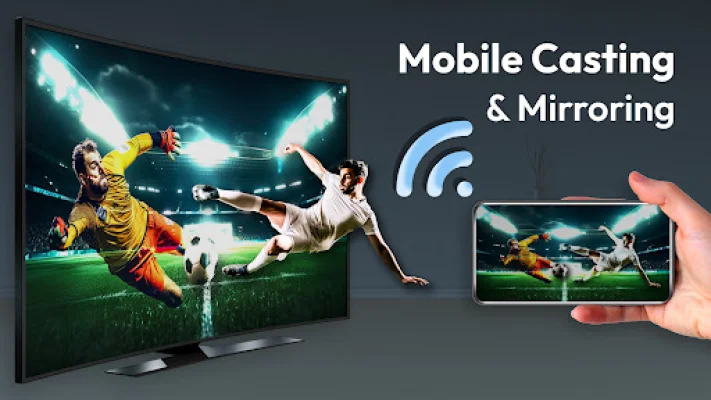
Latest Version
1.0.0
September 13, 2024
B01T Apps
Tools
Android
0
Free
com.b01t.castmirror
Report a Problem
More About Mobile Casting & Mirroring
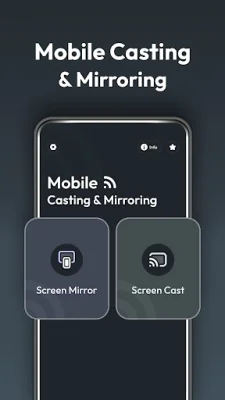
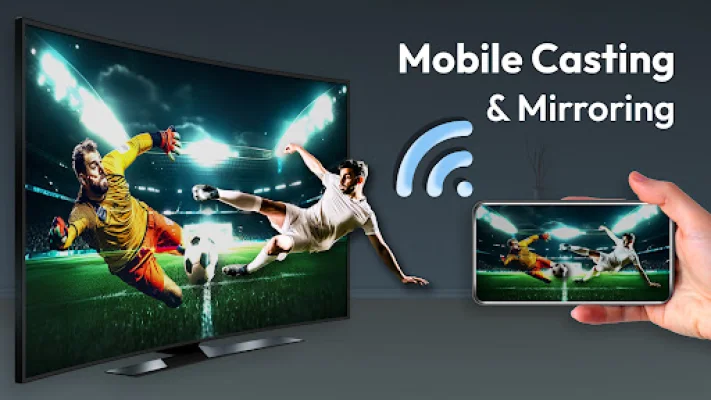
This app is designed to enhance your multimedia experience by providing screen mirroring and casting functionalities. With this app, you can easily connect your device to a larger display and enjoy your content on a bigger screen.
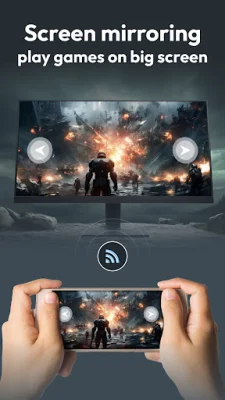
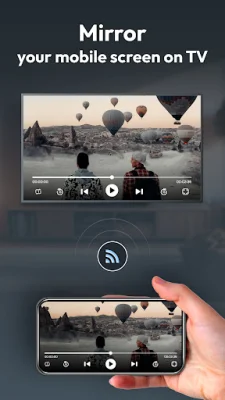
The screen mirroring feature allows you to mirror your phone's screen onto your chosen TV. All you have to do is enable the wireless display on your phone and select the TV you want to mirror to. This allows you to see everything on your TV, perfectly mirroring what you're doing on your phone, whether it's searching, gaming, watching movies, or anything else.
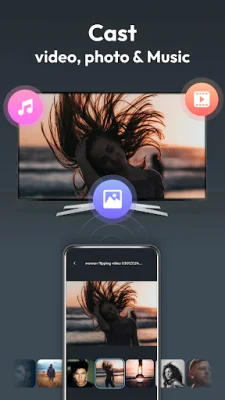
The screen cast feature allows you to easily connect your phone to your TV and cast media files such as videos, audio, and photos. With just a tap of a button, you can enjoy your favorite entertainment on the big screen. This app makes it simple and convenient to cast your content and have an enjoyable viewing experience.
One of the main reasons to choose this app is its user-friendly interface. It is designed to be easy to use and navigate, making it accessible for all users. Additionally, the app offers easy connectivity, as long as both your TV and phone are connected to the same Wi-Fi network, you can easily connect and cast your content.
This app also aims to optimize your multimedia experience. By allowing you to view your content on a larger display, you can fully immerse yourself in your favorite videos, music, and photos. It's the perfect way to enjoy every big moment on the big screen.
To cast your mobile screen to your TV, simply follow these steps: ensure both your TV and phone are connected to the same Wi-Fi network, enable the Wireless Display option on your phone, tap the Select button, and choose your TV from the list. With just a few clicks, you can enjoy your content on the big screen.
This app requires storage permission in order to allow users to select local media and cast it to their TV. We strive to provide a user-friendly and optimized experience for our users, and we appreciate your understanding and support.
Rate the App















Popular Apps









