Mocha RDP
by MochaSoft (0 Reviews) December 14, 2025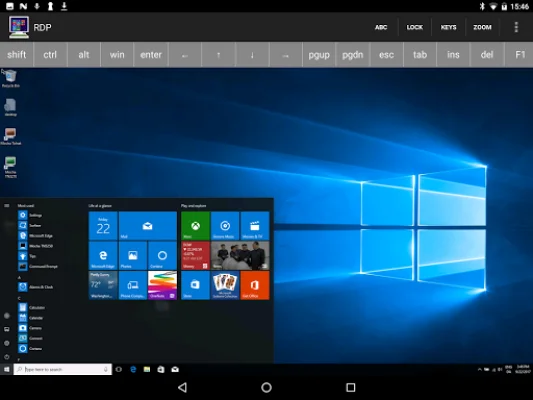
Latest Version
December 14, 2025
MochaSoft
Tools
Android
0
$5.99
dk.mochasoft.rdppaid
Report a Problem
More About Mocha RDP
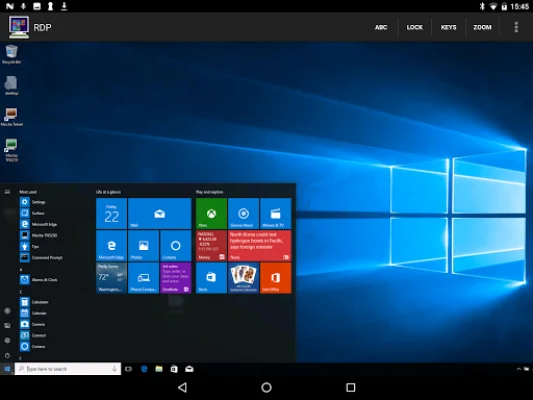
This application is a remote desktop software that allows users to access and control their computer from a different location. It is available in two versions, a free lite version and a paid version. The free lite version has a session limitation of 5 minutes, while the paid version has no limitations. It is recommended to try the free lite version first before purchasing the paid version.
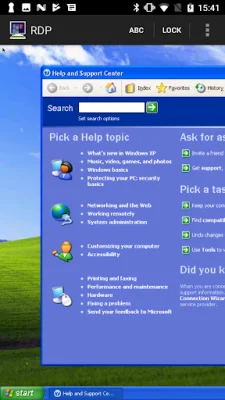
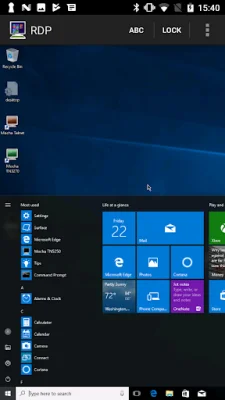
The application is compatible with Windows XP, Windows 7, 10, and 11 operating systems. It uses the standard RDP (Remote Desktop Protocol) protocol, which is a secure communication protocol developed by Microsoft. This ensures that all data transmitted between the remote computer and the user's computer is encrypted with 128-bit encryption, providing a high level of security.
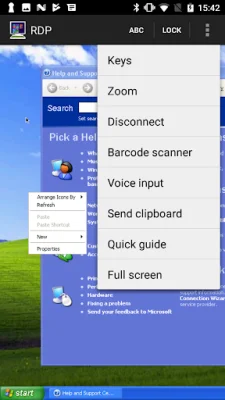
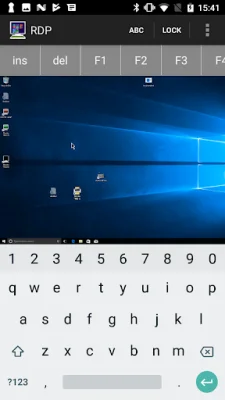
One of the key features of this application is its mouse support. Users can perform left and right clicks, drag and hover actions, and use many PC keys, including the popular ctrl+alt+del combination. This allows for a seamless and efficient remote desktop experience.
The developers of this application have obtained a patent license from Microsoft for the RDP protocol. This means that the application is officially recognized and approved by Microsoft, ensuring its reliability and quality. Additionally, the application supports NETBIOS name, making it easy to configure and set up for users.
In conclusion, this remote desktop application offers a convenient and secure way for users to access and control their computer from a remote location. With its compatibility with various Windows operating systems, use of a standard and secure protocol, and mouse and key support, it provides a user-friendly and efficient remote desktop experience.
Rate the App







Popular Apps









