

My Backup
4.8.8 by Rerware, LLC (0 Reviews) December 15, 2025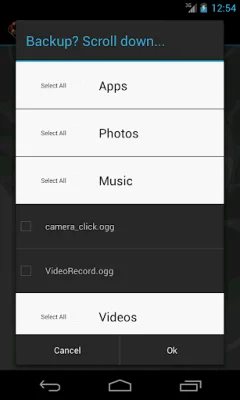
Latest Version
4.8.8
December 15, 2025
Rerware, LLC
Tools
Android
0
Free
com.rerware.android.MyBackup
Report a Problem
More About My Backup
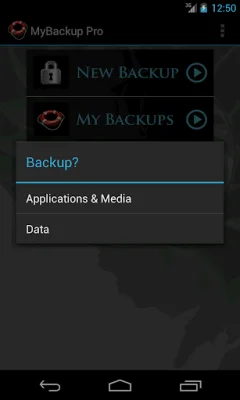
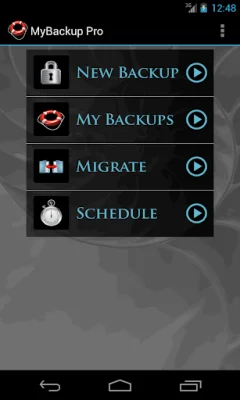
MyBackup is an application that allows users to easily backup and restore their data and settings on their Android devices. It supports the most content and the most Android devices, making it a reliable and versatile option for users. The best part? It's completely free to use!
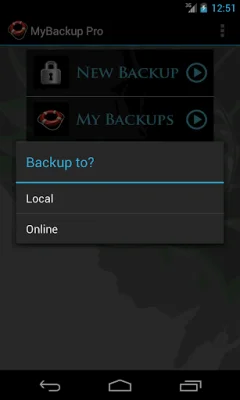
With MyBackup, users can backup their data locally to their device or SD card, or even use an On The Go (OTG) USB card for backup and restore. It also offers cloud backup support, allowing users to store their data on services like Rerware Cloud, Dropbox, or Google Drive. Users can also schedule multiple automatic backups for added convenience.
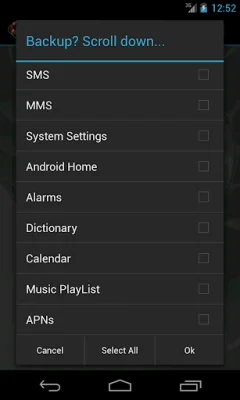
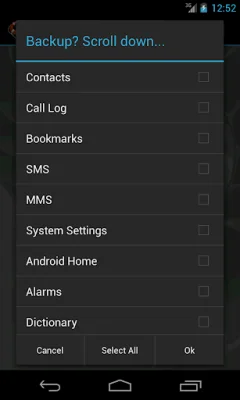
One of the standout features of MyBackup is its ability to support a wide range of content, including applications, photos, music, videos, contacts, call logs, browser bookmarks, SMS and MMS messages, calendar events, system settings, and more. Users with root access can even backup APKs and data, making it a comprehensive solution for all types of data.
The Pro version of MyBackup offers even more features, such as the ability to backup and restore to multiple Android devices using the same account, cloud backup support for a wider range of services, and the ability to directly backup to a computer over the internet. Users with root access also have additional options, such as freezing bloatware and system apps, defrosting frozen applications, wiping cache and data, and more.
MyBackup is compatible with all Android devices, whether they have root access or not. It has received positive reviews from various sources, including CNET TV, T-Mobile, and TechHive (PCWorld). With over 5 million users, it has become a trusted source for backup solutions for Android devices. However, it's important to note that data and settings of applications can only be supported if the device is rooted or if the application integrates with MyBackup. Overall, MyBackup is a reliable and user-friendly option for anyone looking to backup and secure their Android device.
Rate the App









Popular Apps









