

My Photo Keyboard
34.0 by Multimedia Apps (0 Reviews) September 28, 2024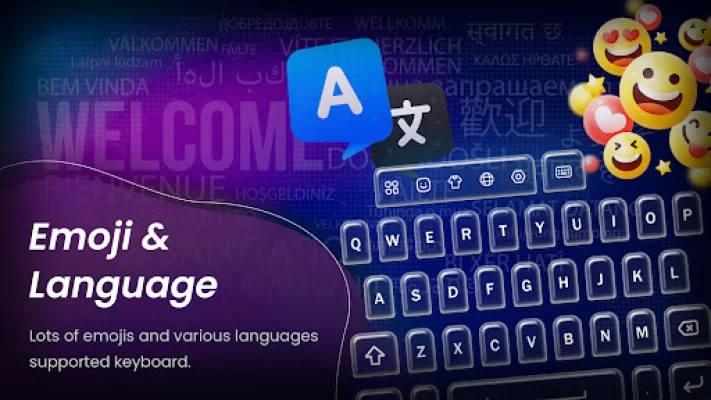

Latest Version
34.0
September 28, 2024
Multimedia Apps
Tools
Android
0
Free
multimedia.custom.keyboard
Report a Problem
More About My Photo Keyboard
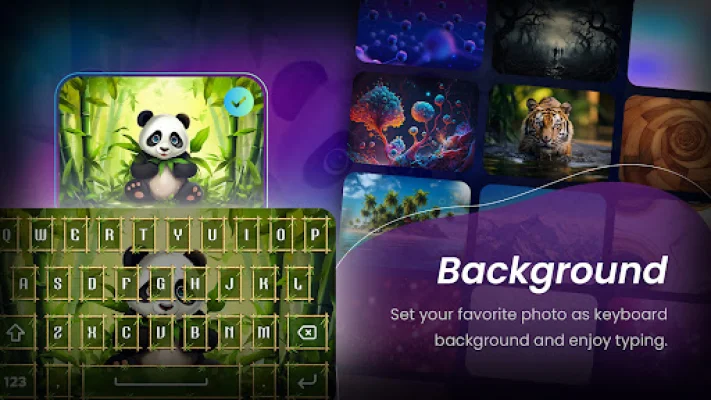
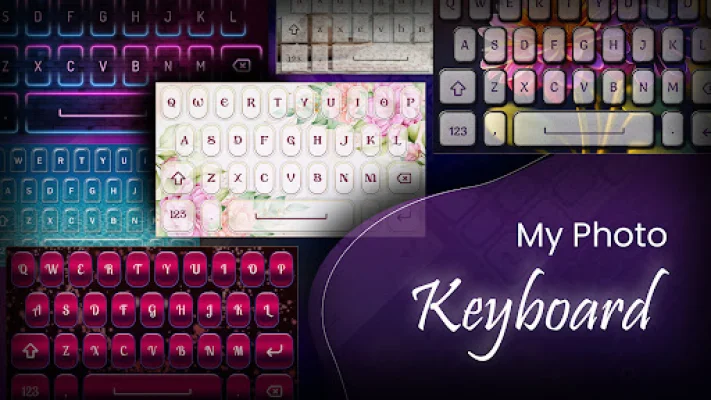
My Photo Keyboard is an app that allows you to personalize the appearance of your keyboard. You can choose to set a photo from your gallery or take a new one with your camera as the background for your keyboard. Additionally, you have the option to customize the font type and size for a more visually appealing keypad. One of the standout features of this app is its support for over 50 local languages, making it accessible to a wide range of users.
To use My Photo Keyboard, simply open the app and select the "My Photo Keyboard" button. Then, set it as your input method in your device's settings. From there, you can choose an image from your gallery or take a new one with your camera to see a preview of how it will look on your keyboard. You can also select from a variety of colorful themes and fonts to further personalize your keyboard.
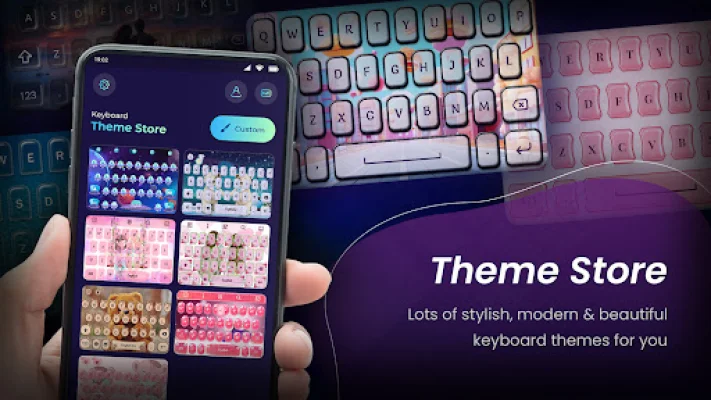
Some of the key features of My Photo Keyboard include the ability to set photos from your gallery or camera, a wide selection of themes, and over 500 emojis to use in your messages. You can also have fun with emoji art and type quickly by swiping your finger on the keyboard. The app also offers auto spell check, separate landscape and portrait keyboard backgrounds, and support for 50+ languages and font styles.
In addition to these features, My Photo Keyboard also offers a template facility for quick sharing and the ability to add custom templates. You can also search directly from the keyboard, use word editing functions, adjust the keyboard height and font color, and customize key press settings for sound and vibration. The app is also designed for use on tablets and offers a speak-to-type feature and GIF stickers for sharing on social media.
It's important to note that My Photo Keyboard does not collect any personal information from its users. The app encourages users to be original and SEO-oriented in their keyboard designs. With its wide range of customization options and support for multiple languages, My Photo Keyboard offers a unique and personalized typing experience for its users.
Rate the App














Popular Apps









