
MyAV Universal Remote Control
Cow-Horse V1.27 by Pocketwood (0 Reviews) September 07, 2024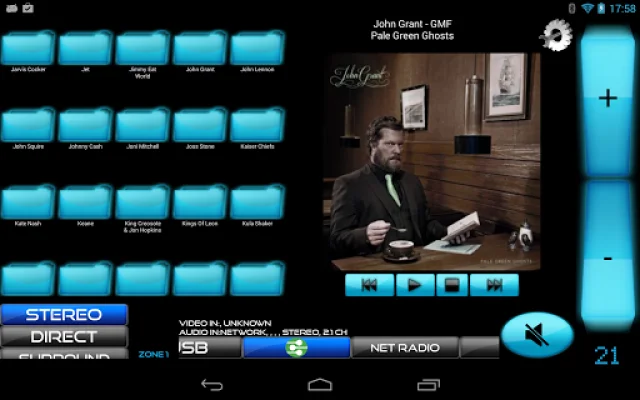

Latest Version
Cow-Horse V1.27
September 07, 2024
Pocketwood
Tools
Android
0
Free
com.pocketwood.myav_trial
Report a Problem
More About MyAV Universal Remote Control
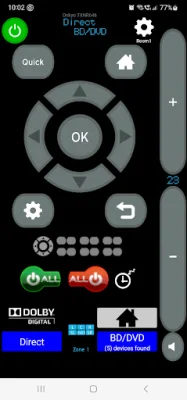
MyAV is a convenient and versatile remote control application that allows you to control a variety of AV equipment simultaneously. With no programming or set-up codes required, this app makes it easy to download, connect, and control your devices with minimal hassle.
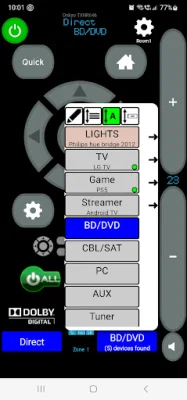
Through IP/Wi-Fi control, MyAV is compatible with a wide range of devices including A/V receivers, soundbars, Blu-Ray players, smart televisions, set-top boxes, media streamers, game consoles, projectors, and lighting systems. The app works with popular brands such as Apple TV, Amazon FireTV, Onkyo, Yamaha, LG, Sony, Samsung, and more. A full list of compatible devices can be found on our website.
One of the key features of MyAV is its ability to control multiple devices within one app, eliminating the need to switch between different apps. The app also automatically detects and connects to most compatible devices, making set-up a breeze. Users can also set a default connection for a specific type of device, perfect for households with multiple smart TVs.
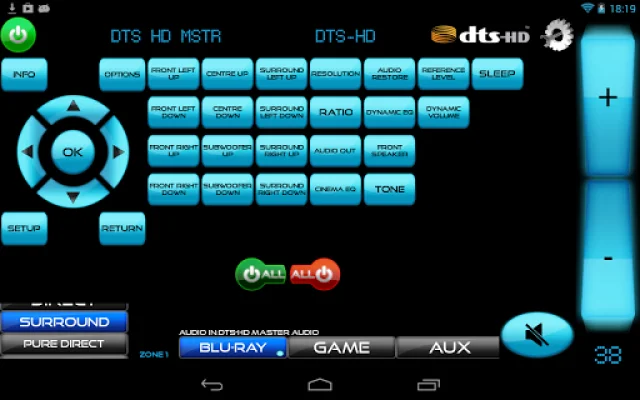
In addition to controlling devices through IP/Wi-Fi, MyAV also offers IR control via various IR blasters. This allows for a seamless experience when controlling AV receivers, with a main volume control always accessible and real-time feedback available for supported devices. The app also offers zone controls for AV receivers, allowing for easy management of different zones within a home theater system.
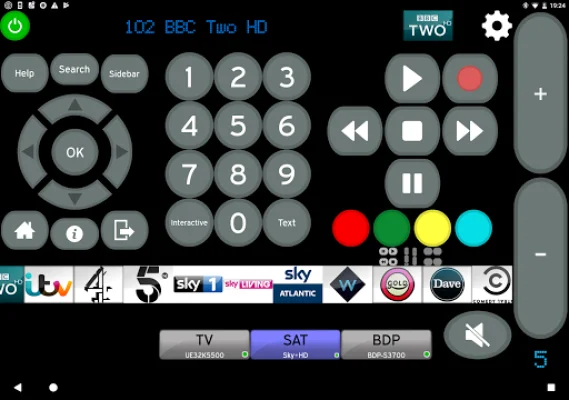
For smart TVs and set-top boxes, MyAV offers a range of features such as quick jump buttons with channel logos, the ability to delete unwanted channels, and channel filters for easy navigation. Users can also create a favorites folder by holding down and dragging their preferred channels.
It is important to note that for MyAV to work, all devices must be connected to the same router or hub as the Android device. A strong Wi-Fi signal and enabled multicasting/uPnP on the network are also necessary. The app is constantly updated to ensure compatibility and functionality, and users are encouraged to reach out to the developers for any issues before leaving a rating. MyAV strives to be a universal remote for all devices, providing a convenient and user-friendly experience for all users.
Rate the App















Popular Apps









