

NetGuard - no-root firewall
2.328 by Marcel Bokhorst, FairCode BV (0 Reviews) July 30, 2024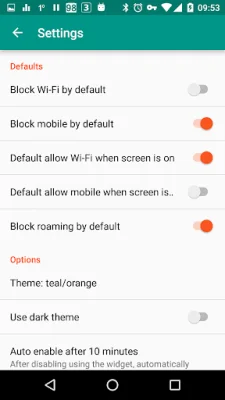
Latest Version
2.328
July 30, 2024
Marcel Bokhorst, FairCode BV
Tools
Android
0
Free
eu.faircode.netguard
Report a Problem
More About NetGuard - no-root firewall
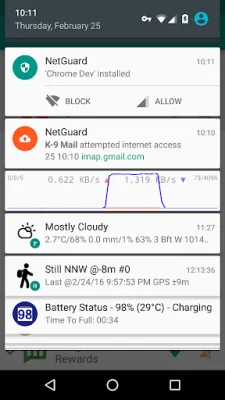
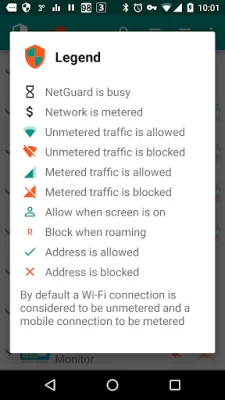
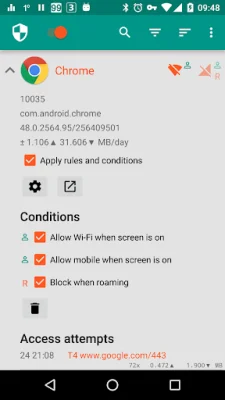
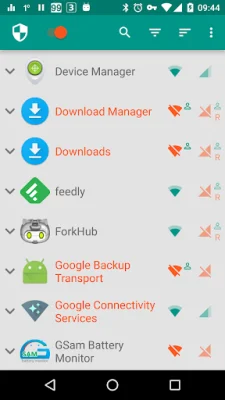
NetGuard is an application that allows you to control which applications and addresses have access to your Wi-Fi and mobile connection. It does not require root permissions, making it easy for anyone to use. By blocking access to the internet, NetGuard can help reduce data usage, save battery life, and increase privacy. It offers a variety of features, including a simple user interface, open source code, and no tracking or advertisements. It is actively developed and supported, and is compatible with Android 5.1 and later versions. It supports both IPv4 and IPv6 TCP/UDP connections, as well as tethering. Users can also choose to allow access when the screen is on, block access when roaming, and block system applications. NetGuard can also notify users when an application is accessing the internet and record network usage per application per address. It also offers a material design theme with light and dark options.
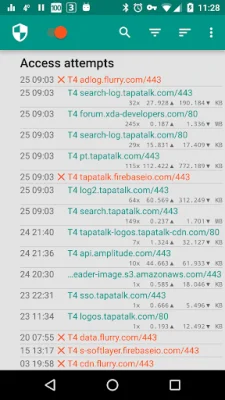
The PRO version of NetGuard offers even more features, such as the ability to log all outgoing traffic, search and filter access attempts, and export PCAP files for traffic analysis. Users can also allow or block individual addresses for each application, receive notifications for new applications, and configure NetGuard directly from the notification. The status bar notification also displays a network speed graph. Additionally, there are five additional themes available in both light and dark versions.
NetGuard is the only no-root firewall that offers all of these features. For those who like to test new features, there is a test program available. All required permissions are clearly described, and the full source code is available for those who are interested. NetGuard uses the Android VPNService to filter traffic on the device itself, rather than on a server. However, this means that only one app can use the service at a time, due to limitations of Android. The source code is available on GitHub, and the developers encourage original and SEO-oriented contributions.
Rate the App















Popular Apps









