

Notification light for Pixel
1.25 by Jawomo (0 Reviews) August 10, 2024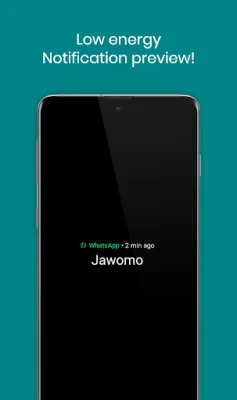
Latest Version
1.25
August 10, 2024
Jawomo
Tools
Android
0
Free
com.jamworks.aodnotificationledlight
Report a Problem
More About Notification light for Pixel
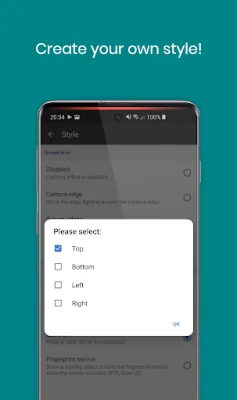
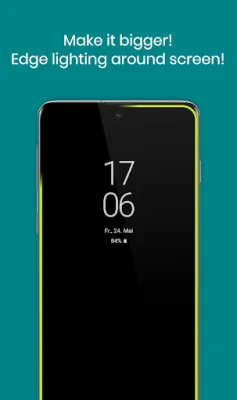
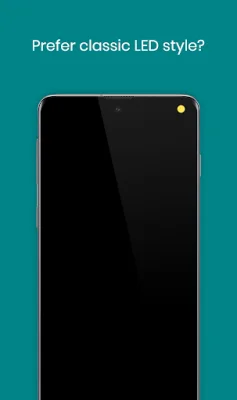
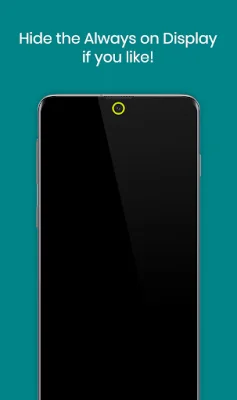
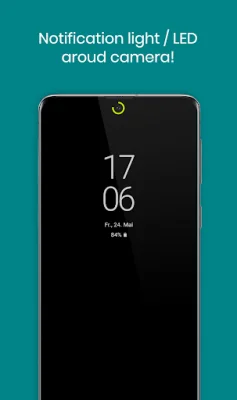
With aodNotify, you can easily enhance your Pixel phone by adding a notification light or LED. This app allows you to choose from various notification light styles and display it around the camera cutout, screen edges, or even simulate a notification LED dot in the status bar of your Pixel device. The best part is that the notification light is integrated into Pixel's Always On Display, resulting in minimal battery consumption and avoiding draining your battery like other apps that keep your phone awake. If you don't want to use the Always On Display, aodNotify can activate it only when there are notifications or show the notification LED light even without the Always On Display. The app also offers a notification preview feature, allowing you to see important notifications without waking your Pixel. Some of the main features of aodNotify include a notification light or LED for Pixel and other devices, low energy notification preview for Android 10+, and the option to activate the Always On Display only when there are notifications. Additionally, the app also offers a charging/low battery light or LED. Other features of aodNotify include the ability to get notified without a notification sound, different notification light styles, custom app/contact colors, ECO animations to save battery, interval mode to save battery, night times to save battery, and minimal battery consumption. According to the app's developers, the battery usage per hour for different features is quite low, with the LED consuming 3.0%, LED and interval consuming 1.5%, LED and ECO animation consuming 1.5%, LED and ECO animation and interval consuming 1.0%, notification preview consuming 0.5%, and Always On Display consuming 0.5%. Without the LED notification light, the app consumes almost 0% battery. aodNotify is compatible with all Pixel devices and is currently being tested on other devices as well. However, Google may block the app with future updates, so it's important to check compatibility before updating your phone software or Always On Display. It's worth noting that the app uses the AccessibilityService API to display the notification light using an overlay over the screen. However, no data is collected or shared using this API. While the developers have not experienced any screen burn-in issues on their test devices, they recommend not keeping the notification light or LED active for a long time and using the app at your own responsibility.
Rate the App















Popular Apps









