

OSLink
1.3.12 by OSLink (0 Reviews) September 05, 2024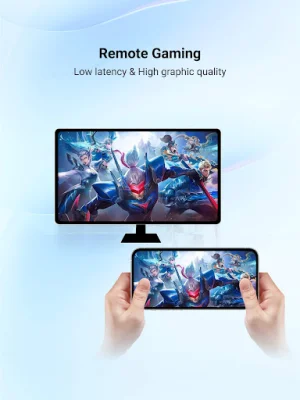
Latest Version
1.3.12
September 05, 2024
OSLink
Tools
Android
0
Free
io.oslink.link
Report a Problem
More About OSLink
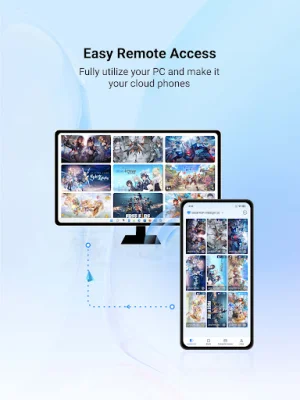
OSLink is a versatile application that allows for remote access and control between various devices. With this app, users can easily connect their Android phones, tablets, and Windows computers to each other without any limitations on the number of connections. One of the key features of OSLink is its screen mirroring capability, which allows users to mirror their mobile screens onto a Windows computer. This is useful for sharing files during meetings or playing mobile games on a larger screen with Game Mode.
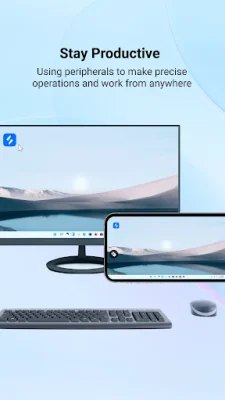
In addition to screen mirroring, OSLink also enables users to remotely control their Android devices. This means that users can access and control their Android phones or tablets from another Android device, providing a more stable and seamless experience for hosting games. The app also supports Bluetooth keyboard and mouse, as well as controllers, for a more versatile and customizable gaming experience.
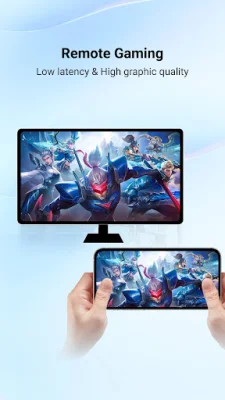
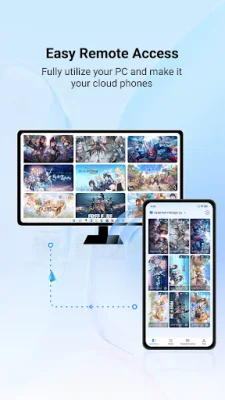
For gamers, OSLink offers the unique feature of remote gaming. This allows users to access their computer and play PC games on their phone, essentially turning their PC, Xbox, emulators, Epic, and Steam games into mobile versions. The app also supports multiple games and applications running simultaneously on the computer, allowing for real-time monitoring of game progress and saving storage space on the mobile device.
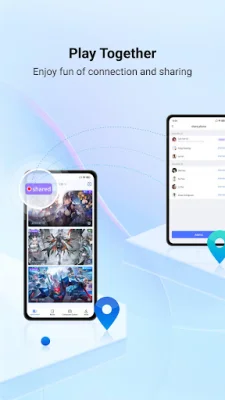
Another exciting feature of OSLink is its "Play Together" mode, which enables online multiplayer gaming by sharing the computer desktop and LDPlayer with friends. This adds a new level of social interaction and fun to the gaming experience.
To use OSLink, users can simply download the app from Google Play on their mobile device and log in to their account. They can then download the Windows version from the official website and log in with the same account to connect the devices. The app utilizes the Accessibility Service API to simulate clicks and swipes, type text on the screen, and display floating icons for remote control and preventing the screen from turning off.
It is important to note that OSLink can only perform remote control with the user's consent and will only access the device when it is in an input focus state. Users can also disable the Accessibility Service functions in the app's settings page after a successful screen mirroring. The app promises to respect user privacy and data security, adhering to relevant privacy policies and regulations. With OSLink, users can easily and securely access and control their devices remotely, making it a valuable tool for both personal and professional use.
Rate the App















Popular Apps









