

Panels - sidebar launcher
1.562 by fossor coding (0 Reviews) December 02, 2025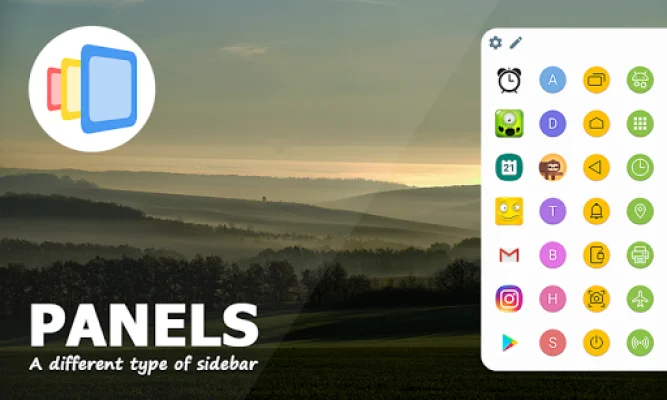

Latest Version
1.562
December 02, 2025
fossor coding
Tools
Android
0
Free
com.fossor.panels
Report a Problem
More About Panels - sidebar launcher
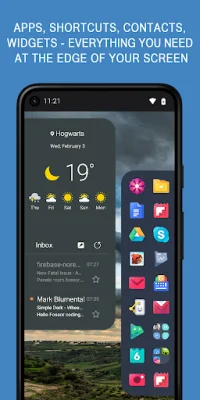
Panels is a unique launcher application that can be accessed from the edge of your phone's screen. It offers a convenient and efficient way to access your favorite apps, shortcuts, contacts, and widgets without having to scroll through multiple pages or menus. This feature makes multitasking and increasing productivity easier and faster.
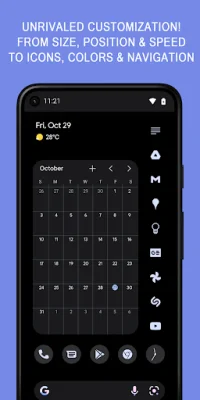
What sets Panels apart from other sidebar apps is its customizable features. Users can adjust the size and position of the edge screen, as well as customize the colors and gestures for each panel. This allows for a personalized and user-friendly experience.
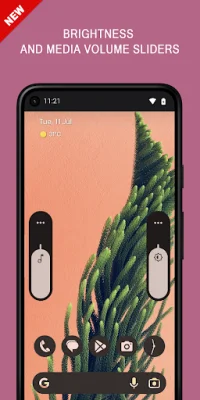
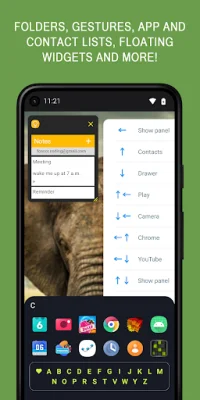
The application offers a variety of features, including multitasking and productivity boosting, compatibility with any launcher, one-hand operation with intuitive gestures, and an always-on-top launcher on the edge of the screen. Users can also add folders, website shortcuts, and floating widgets to the sidebar for easy access.
With Panels, users can also customize their app drawer with a single tap, add their favorite contacts for quick access to phone, SMS, email, and messaging apps, and use gestures to trigger individual items or call any panel. The sidebar can be placed on the left, right, or bottom edge of the screen, making it easily accessible for one-handed use.
Other customization options include the ability to change the position, rows, and columns of items, customize colors and icons, and access system settings with one click. The application also supports automation and third-party apps, making it even more versatile and user-friendly.
For those experiencing issues with the app, there is a helpful website and tutorial videos available. Additionally, the application requires Accessibility Service to determine the current top app and for accessibility shortcuts, but no user data is collected or used. Overall, Panels offers a unique and customizable way to enhance your phone's functionality and increase productivity.
Rate the App












Popular Apps









