

Pixel Brush: Pixel Art Drawing
2.1.10 by Jaween Ediriweera (0 Reviews) October 09, 2024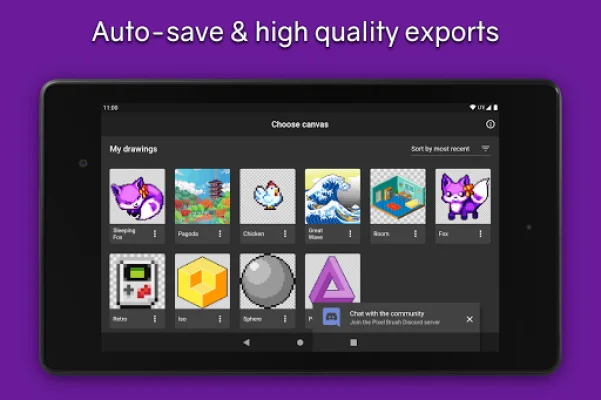
Latest Version
2.1.10
October 09, 2024
Jaween Ediriweera
Tools
Android
0
Free
com.jaween.paint
Report a Problem
More About Pixel Brush: Pixel Art Drawing
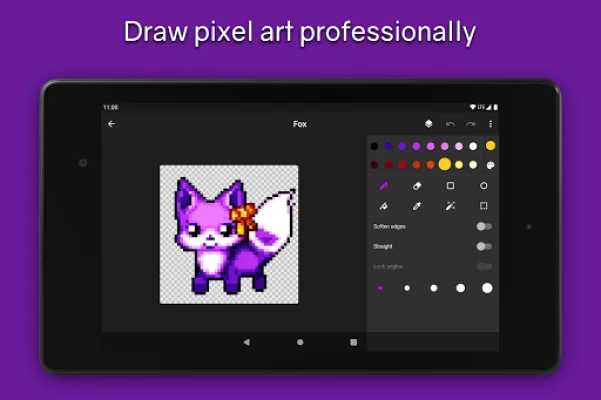
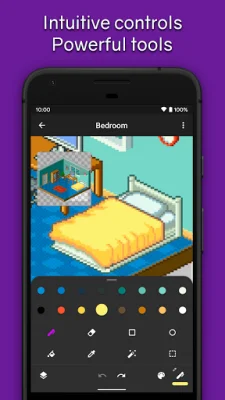
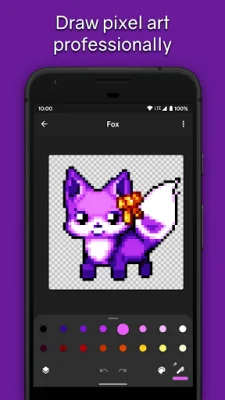
This drawing app is perfect for both kids and adults who want to learn how to create pixel art. With Pixel Brush, you can draw 8 and 16 bit graphics and share them with the community to receive feedback. It also allows you to import your pixel art from Aseprite and export it back, making it easy to switch between programs.
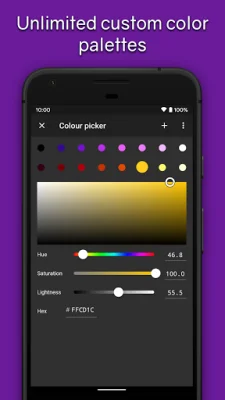
The app is designed to be intuitive for beginners, with features like pinch to zoom and tap to draw. You can choose from professional color palettes or import your own from Lospec. Zooming in also reveals a mini-preview, which you can drag around to get a better view of your art.
For those looking to create animations, Pixel Brush has onion-skinning and the ability to share your pixel animation as a GIF or MP4. You can also adjust the speed of individual frames and use layers to organize your art.
Pixel Brush also encourages growth as an artist by allowing you to share your art with the friendly community and create canvases up to 1024x1024. You can also save unlimited color palettes, including 8 bit palettes.
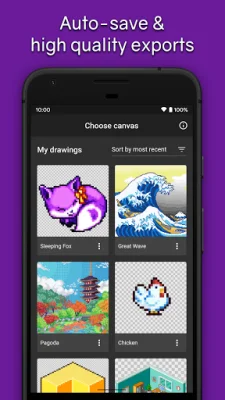
In addition to these features, Pixel Brush also offers the ability to export and import Aseprite files, has no ads, and automatically saves your work so you can focus on creating. The app also ensures sharp exports with no blurring and allows you to create isometric lines. And if you prefer to use a mouse, you can do so as well.
Designed for easy drawing, Pixel Brush is the perfect app for anyone looking to learn how to create pixel art and start a new hobby. And with more features coming soon, it's worth following the app on social media to stay updated. So why wait? Download Pixel Brush now and unleash your creativity!
Rate the App













Popular Apps









