
Port Authority - Port Scanner
2.4.5-free by Aaron Wood (0 Reviews) September 29, 2024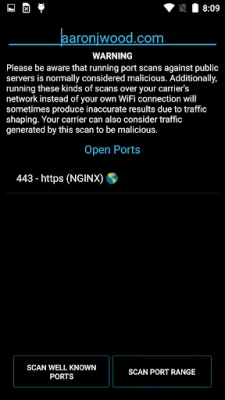
Latest Version
2.4.5-free
September 29, 2024
Aaron Wood
Tools
Android
0
Free
com.aaronjwood.portauthority.free
Report a Problem
More About Port Authority - Port Scanner
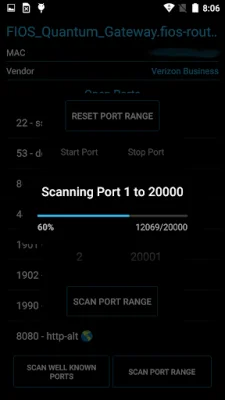
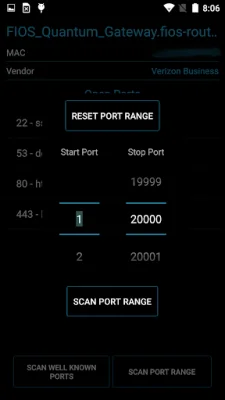
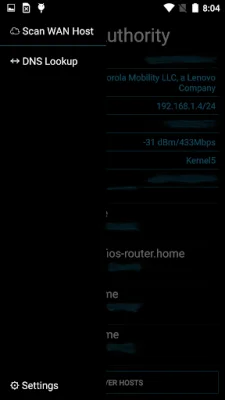
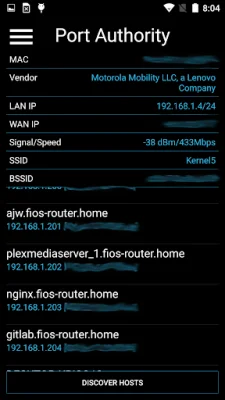
This application is a fast port scanner with host discovery capabilities. It can perform host discovery in less than 5 seconds and can scan 1000 ports in 10 seconds if the device being scanned drops packets. If the device rejects packets, it can scan all 65,535 ports in less than 30 seconds. It also has features such as LAN host discovery, public IP discovery, MAC address vendor detection, and lightweight service fingerprinting. It supports custom port range scans and can open discovered HTTP(S) services in a browser. It also has the ability to perform DNS record lookups and wake-on-LAN for LAN hosts.
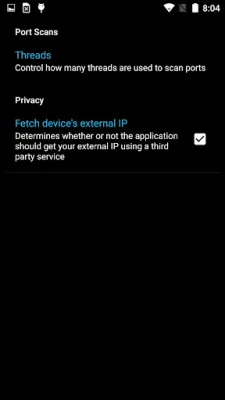
The speed of this application is achieved through the use of threading, allowing for more threads to be used than the number of cores on a device. However, this can also cause crashes on lower-end or older devices. To prevent this, the number of threads can be adjusted in the settings. The developer is constantly working on improving the efficiency and memory usage of the application.
If the application crashes while scanning a large range of ports, it is likely due to an out of memory exception caused by using too many threads. Lowering the port scan thread count in the settings can help prevent this.
Some users may receive a warning that the application is trying to send email. This is caused by security software detecting outbound connections to port 25 (SMTP) and may result in a false positive. The developer assures that no data is being sent and suggests looking at the code for confirmation.
If some devices on the LAN are not responding, the host scan timeout setting can be increased, but this will result in longer scan times. Adjusting the timeout for connections made to ports can also improve accuracy, especially when scanning over a WAN connection.
The application is free and open source, but a donate version is available for purchase. The developer encourages original and SEO-oriented reviews.
Rate the App













Popular Apps









