

PowerFTP (FTP Client & Server)
2.0.2 by flixapps (0 Reviews) August 02, 2024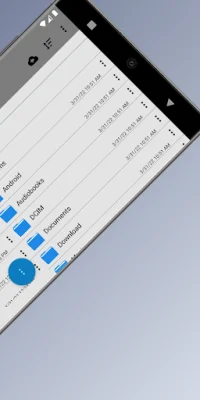
Latest Version
2.0.2
August 02, 2024
flixapps
Tools
Android
0
Free
de.medialux.powerftp
Report a Problem
More About PowerFTP (FTP Client & Server)
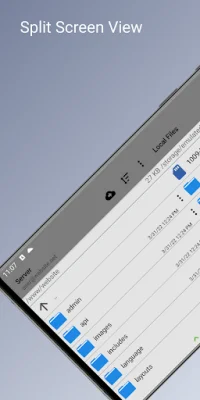
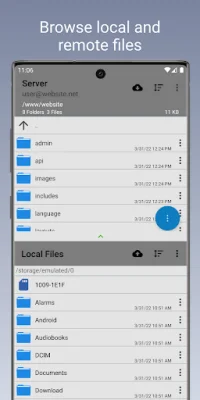
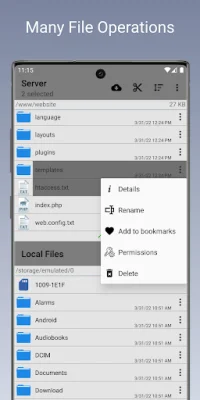
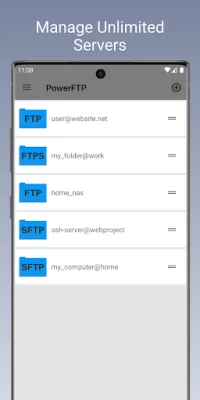
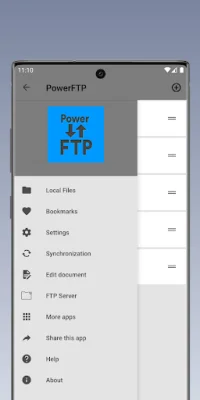
This application allows users to manage multiple servers and has an integrated FTP server. It features a device and remote file explorer, allowing users to browse files locally and remotely at the same time. The split screen mode makes it easy to navigate between the two. The app also supports back button functionality for easy navigation. Users can upload and download files using the app, and can also send shell commands in SFTP (SSH) mode through the built-in console. The app also allows for multi folders and files selection for upload, download, and deletion, making it efficient for managing large amounts of data. Additionally, users can set up auto folder synchronization between the remote and local locations at user-defined time intervals. Sync reports can also be saved in text files for future reference. The app also offers the ability to bookmark folders in the file system, making it easy to access frequently used locations. Users can also rename, create, and delete files and folders, as well as move them on the server. The app displays detailed information about files and folders, and allows for sorting by name, size, type, or date. One unique feature of this app is the ability to open, edit, and save files from both the device and the remote location using the built-in editor. Users can also edit permissions and view symbolic links. To prevent the device from sleeping while syncing, the app offers a sleep lock option. Lastly, the app allows users to easily copy directory paths with a single tap, making it convenient for SEO purposes. With its user-friendly interface and comprehensive features, this app is a must-have for managing multiple servers and FTP connections.
Rate the App















Popular Apps









