

Powerful RAM Monitor Pro
11.10.2 by System monitor tools lab - Cpu Ram Battery (0 Reviews) December 13, 2025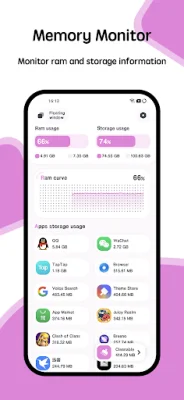
Latest Version
11.10.2
December 13, 2025
System monitor tools lab - Cpu Ram Battery
Tools
Android
0
$1.99
com.glgjing.hawkeye
Report a Problem
More About Powerful RAM Monitor Pro
The Temperature Monitor application is designed to help users keep track of their device's temperature and prevent overheating. It has an alarm feature that will alert the user when the CPU or battery temperature reaches a dangerous level. Users have the option to turn this alarm on or off according to their preferences.
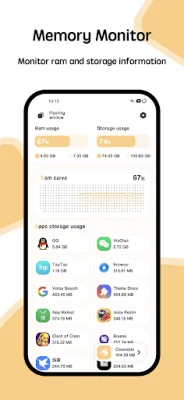
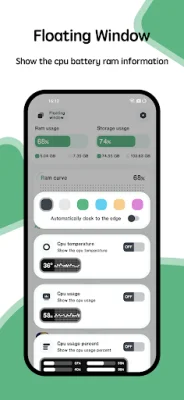
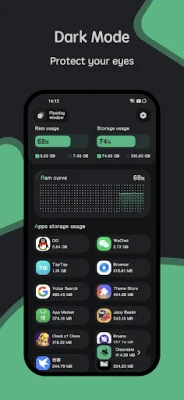
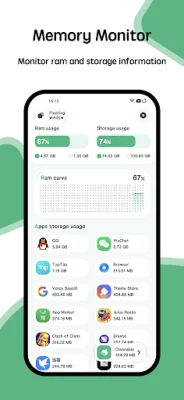
The application also includes a Floating Window feature that displays real-time information about the CPU temperature, battery temperature, and RAM usage. This feature is available in two forms: a status bar floating window and a desktop floating window. This allows users to easily monitor their device's temperature without having to open the application.
In addition to the Floating Window, the application also offers Widget support. Users can add widgets for RAM, CPU, and battery to their device's home screen for quick access to important information. This makes it even more convenient for users to keep track of their device's temperature and performance.
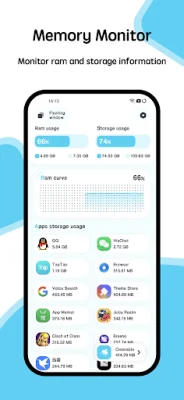
The Temperature Monitor application also boasts a Multi-Theme feature, allowing users to customize the appearance of the app. It offers a variety of themes to choose from, making the app not only functional but also visually appealing. Users can switch between themes to find the one that best suits their preferences.
Overall, the Temperature Monitor application is a powerful and versatile tool for monitoring and managing device temperature. With its alarm, Floating Window, Widget, and Multi-Theme features, it offers a comprehensive solution for keeping devices cool and functioning at their best. So, if you want to keep your device's temperature in check and have a visually pleasing app, give Temperature Monitor a try.
Rate the App















Popular Apps









