
Protractor
1.7.00 by EXA Tools (0 Reviews) March 18, 2026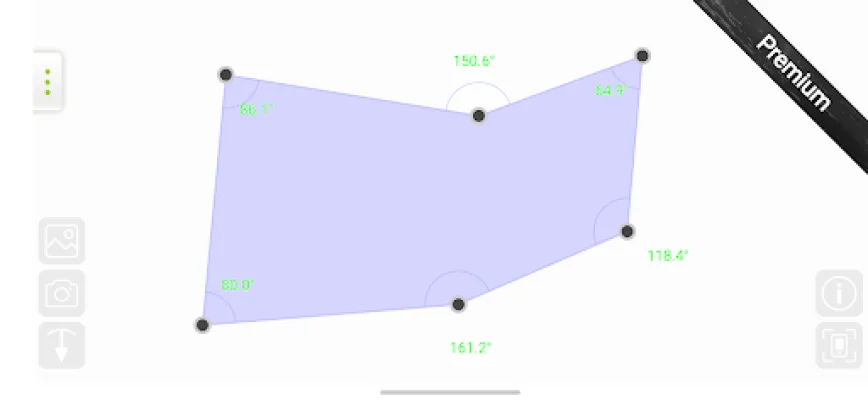
Latest Version
1.7.00
March 18, 2026
EXA Tools
Tools
Android
0
Free
com.exatools.protractor
Report a Problem
More About Protractor
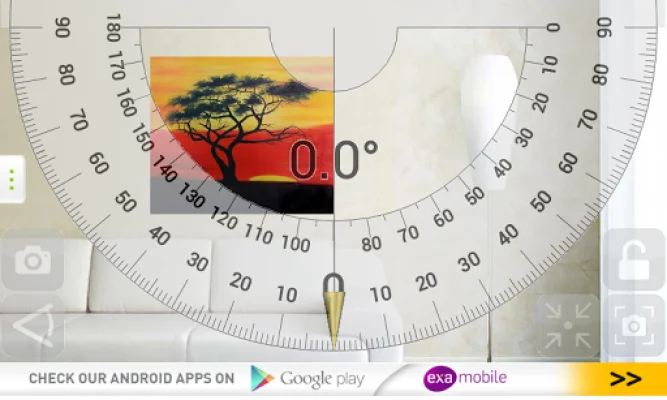
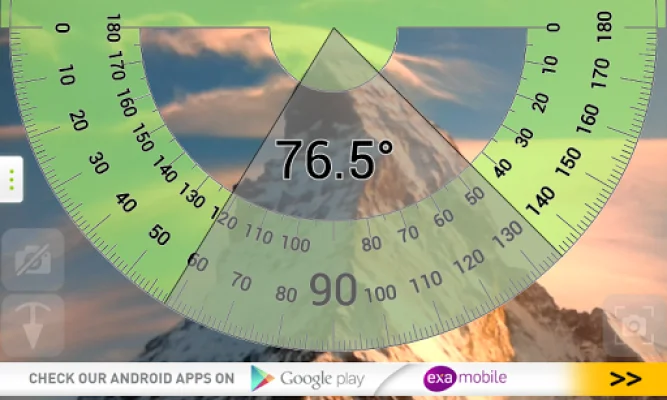
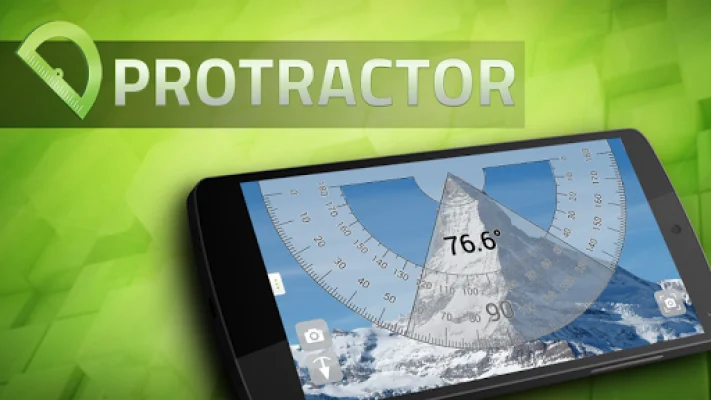
This app offers two different modes for measuring, both of which are completely free to use. The first mode, called "Touch measure," allows you to simply touch the screen to set the angle you want to measure. This mode utilizes the camera view on your phone to accurately measure angles. The second mode, called "Plumb bob measure," uses a pendulum to determine the slope of an object. It's important to remember to calibrate the plumb before using this mode for the most accurate results.
In both modes, you have the option to switch to camera view and take measurements of any objects around you. This allows for even more precise measurements and makes it easy to measure multiple objects in one go.
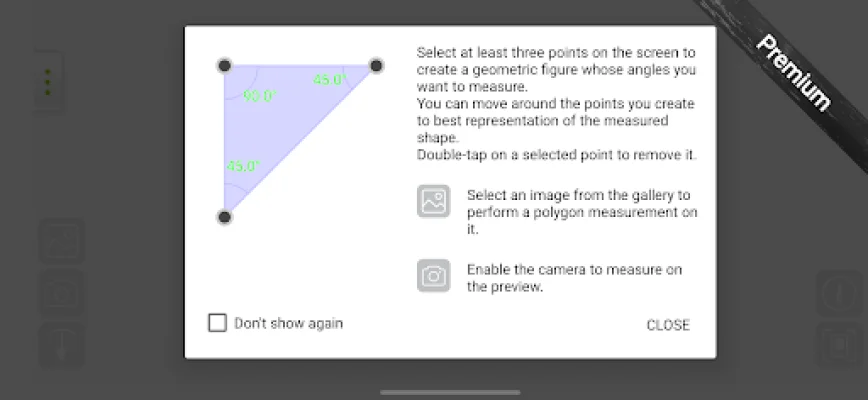
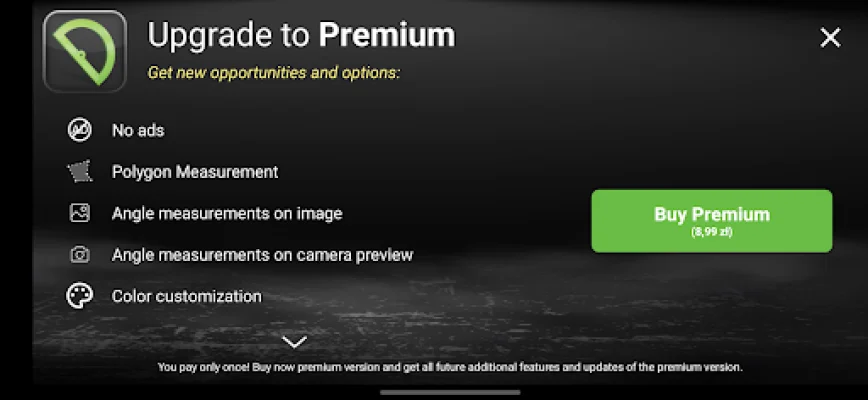
For those looking for even more advanced features, there is an additional Premium mode available. This mode, called "Polygon measurement," allows you to draw any shape on your screen and check all of its angles. You can turn on the camera to see the real object through your phone and accurately copy its shape. Alternatively, you can choose a photo from your gallery or take a new picture and draw a shape on the image. In Premium mode, you also have the ability to change colors, add helper lines, and switch between different angle units for even more customization.
No matter which mode you choose, you can easily take a screenshot of anything on the screen. This makes it easy to save and share your measurements with others. So whether you're a professional in need of precise measurements or just someone who loves to DIY, this app has something for everyone. So go ahead and give it a try, and don't be afraid to get creative and use it in unique ways. Happy measuring!
Rate the App












Popular Apps









