Remote Control for Android TV
1.27 by Universal Remote Apps Studio (0 Reviews) October 08, 2024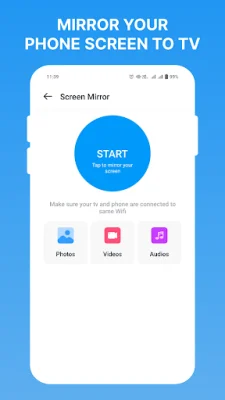
Latest Version
1.27
October 08, 2024
Universal Remote Apps Studio
Tools
Android
0
Free
androidtv.smart.tv.remote.control
Report a Problem
More About Remote Control for Android TV
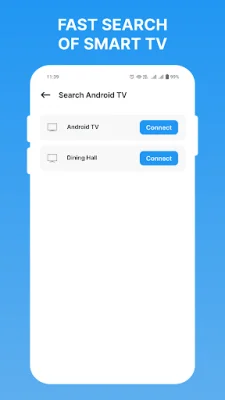
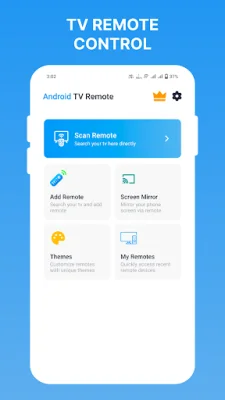
The Add TV Remote application is designed to enhance the user's experience by providing a seamless option to easily add a remote. With a quick search process, users can effortlessly find and connect their remote, making it easier to control their TV.
The Screen Mirror feature allows users to mirror their small phone screen onto a larger TV screen. This makes it easy to access various media files such as photos, videos, and music on a bigger screen. Users can also share their screen with friends and family, making it a great tool for group viewing.
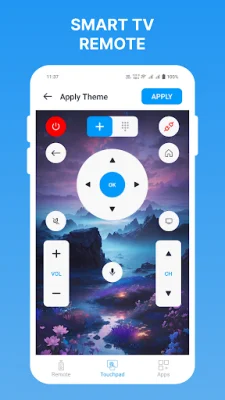
With a range of themes to choose from, users can customize their TV Remote experience to reflect their mood and style. This adds a personal touch to the remote and makes it more enjoyable to use.
The My Remotes feature saves users time and provides a hassle-free experience. Users can easily save their favorite remotes, eliminating the need to repeat the search process. This makes it convenient to switch between different remotes without any hassle.
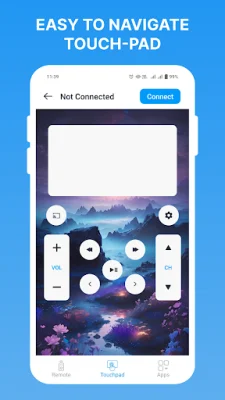
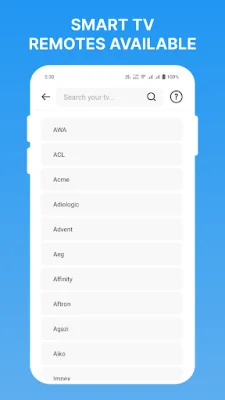
The application also offers various features such as volume control with voice search capability, touchpad navigation, and quick access to favorite apps. It also allows users to save their favorite remotes and customize the TV remote with different themes. However, if the user's TV brand is not listed or the application is not working with their smart TV, they can contact the developers to make it compatible.
In conclusion, the Add TV Remote application is a convenient and user-friendly tool that enhances the TV viewing experience. With its various features and customization options, it offers a seamless and hassle-free way to control the TV. Users can also provide feedback and suggestions to the developers to improve the application.
Rate the App











Popular Apps









