Remote Control for Roku
1.2.3 by CodoSol (0 Reviews) July 30, 2024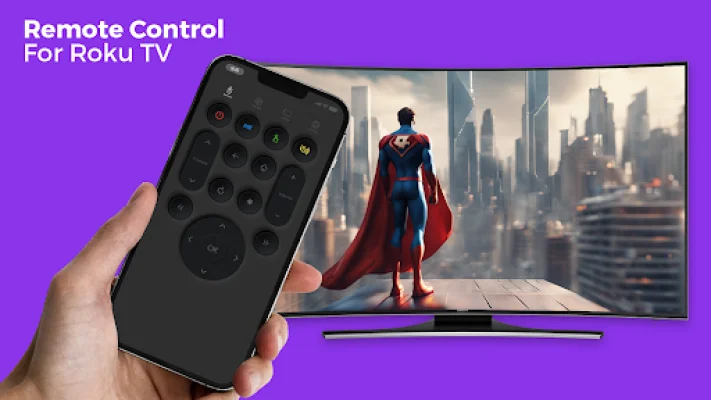
Latest Version
1.2.3
July 30, 2024
CodoSol
Tools
Android
0
Free
com.tv.remove.control.roku_tv
Report a Problem
More About Remote Control for Roku
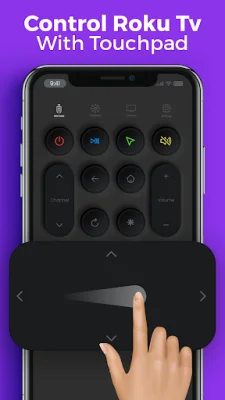
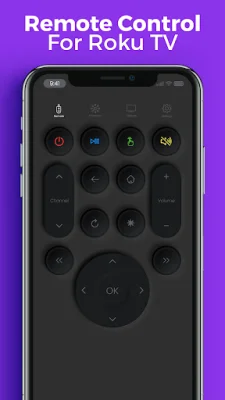
The Roku TV remote control app simplifies the way you interact with your Roku TV device. It eliminates the need for a physical remote by allowing you to control your Roku with just a few taps on your smartphone or tablet. The app is compatible with all Roku devices, providing smooth and reliable control for a seamless entertainment experience.
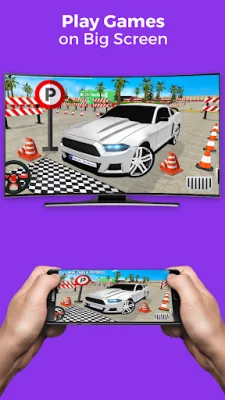
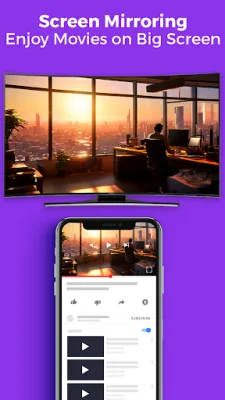
The Screencast on Smart TV app is a user-friendly tool that wirelessly mirrors your device's screen onto a smart TV. It allows you to share photos, videos, presentations, and play games on a larger screen for a more immersive experience. To use the app, both your smart TV and device must be connected to the same Wi-Fi network. Once connected, anything you do on your device will be mirrored in real-time on the smart TV screen.
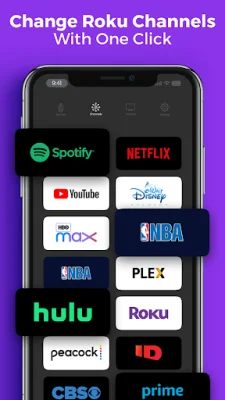
Our TV remote control and Screencasting app offer several additional features and benefits to enhance your TV viewing experience. These include effortless navigation through your favorite Roku channels, intuitive control options, quick content search across multiple channels, and a user-friendly interface. The app is compatible with all Roku devices and can be used on the go as long as your device is connected to the same Wi-Fi network.
The app also supports screen mirroring from a variety of devices, including smartphones, tablets, and laptops. It offers real-time mirroring, ensuring minimal delay between your device and the TV screen for smooth playback of videos, slideshows, or any other content you wish to share. With its compatibility and convenience, the Screencast on Smart TV app is a must-have for anyone looking to enhance their TV viewing experience.
Rate the App















Popular Apps









