Remote for LG ThinG TV & webOS
1.8.3 by BoostVision (0 Reviews) August 02, 2024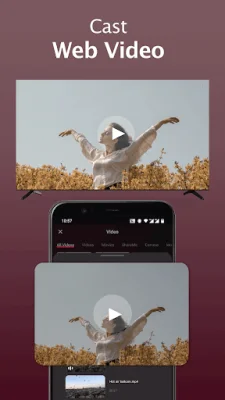
Latest Version
1.8.3
August 02, 2024
BoostVision
Tools
Android
0
Free
com.boost.lg.remote
Report a Problem
More About Remote for LG ThinG TV & webOS
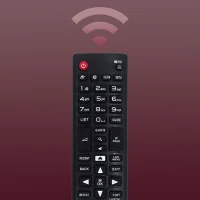
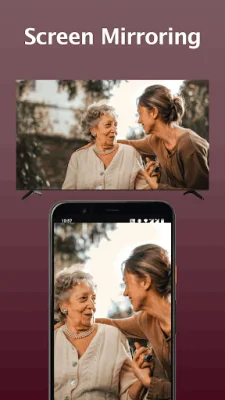
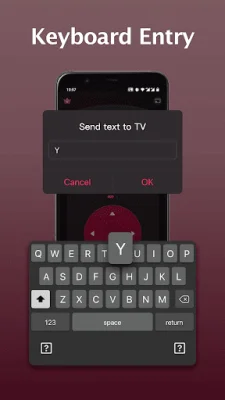
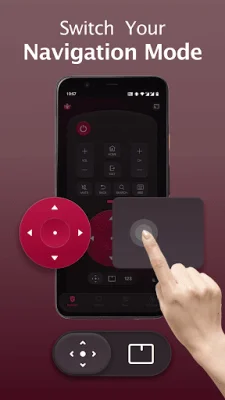
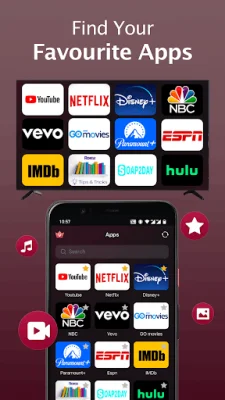
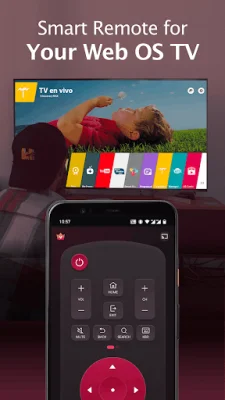
The LG magic remote app is a convenient and easy-to-use universal remote for LG TVs. It is compatible with most LG Smart TVs released from 2012 onwards, including popular models like LG OLED TVs, LG TV plus, and Netcast models. To use the app, your mobile device and LG TV must be connected to the same Wi-Fi network. The app has several key features that make it a useful tool for controlling your LG TV. It functions as a full remote control, allowing you to easily turn your TV on and off with the power button. It also has a keyboard feature for simplified text input and search, as well as quick access to your favorite channels and apps on your smart TV. Additionally, you can mirror your phone or tablet screen to your TV in high definition with low latency, and cast web videos and local photos and videos to your LG TV with AI ThinQ. To connect the smart remote control app to your LG TV, you must first ensure that your TV is connected to the same Wi-Fi network as your mobile device. Then, turn on your device's Wi-Fi and connect it to the same network as your TV. From the app interface, select your LG Smart TV from the list of available devices to connect with. Once connected, you can use your mobile device as a remote control for your TV. If you encounter any issues with connecting the app to your TV, there are a few troubleshooting steps you can try. These include making sure both devices are connected to the same Wi-Fi network, reinstalling the app and rebooting the TV, and upgrading the app to the latest version. If the issue persists, you can also try downloading the app on a different device. It's important to note that BoostVision, the creator of the app, is not affiliated with LG and the app is not an official product of the brand. Users should also be aware of the terms of use and privacy policy for the app, which can be found on the BoostVision website. For more information and to download the app, visit the BoostVision website at https://www.boostvision.tv/app/lg-tv-remote.
Rate the App















Popular Apps









