Remote for Smart Samsung TV
1.3 by iRemote Labs (0 Reviews) August 23, 2024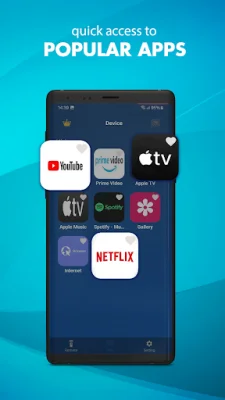
Latest Version
1.3
August 23, 2024
iRemote Labs
Tools
Android
0
Free
com.remoteTechs.samsungremote
Report a Problem
More About Remote for Smart Samsung TV
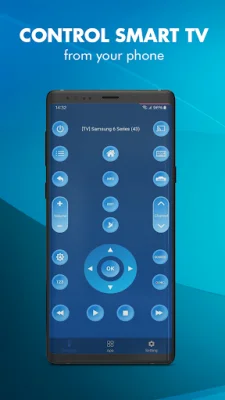
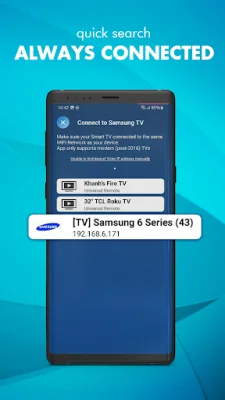
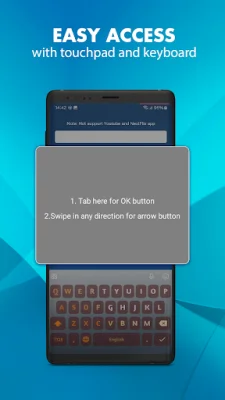
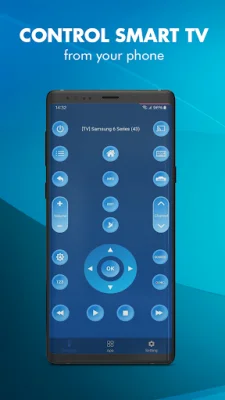
Sam Remote TV is a convenient and easy-to-use virtual remote control that allows you to control your Samsung TV from your iPhone or iPad. To use this app, your phone or tablet must be connected to the same wifi network as your TV. Additionally, you will need to accept a one-time message that appears on your TV screen. The best part? You don't even have to be close to your TV to use this app, as it runs through your wireless network. One of the main features of Samsung Remote is its ability to automatically detect your Samsung TV. This means you won't have to go through the hassle of manually connecting your TV to the app. Once connected, you will have complete control over your TV, including the ability to change channels, adjust the volume, and access other remote control functions. But that's not all - Samsung Remote also offers mouse and keyboard control for your TV. This feature comes in handy when you need to type in a search query or navigate through menus on your TV. And with the option to validate only once on TV Remote, you won't have to constantly re-enter your TV's information every time you use the app. Another convenient feature of Samsung Remote is its ability to automatically connect to previously connected Samsung TVs. This means you won't have to go through the setup process every time you want to use the app. Simply open the app and it will automatically connect to your TV. Thank you for choosing to download this app. We hope it enhances your TV viewing experience. However, if for some reason the app does not work with your phone or TV, please feel free to send us an email at [email protected]. We are constantly working to improve our app and would appreciate any feedback you have.
Rate the App












Popular Apps









