Remote WiFi Mouse
2 by Brainasoft (0 Reviews) August 10, 2024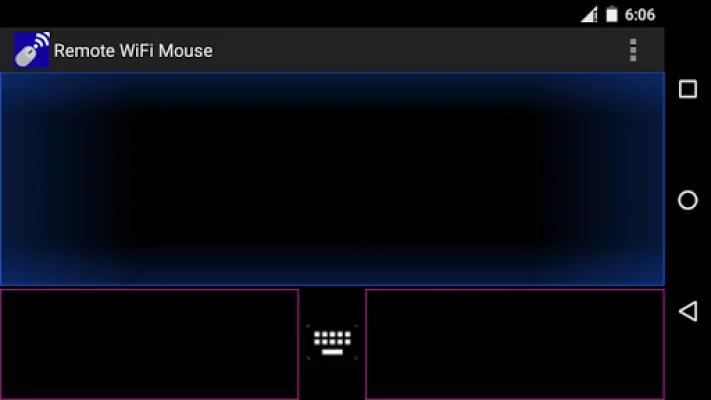
Latest Version
2
August 10, 2024
Brainasoft
Tools
Android
0
Free
com.brainasoft.remote_wifi_mouse
Report a Problem
More About Remote WiFi Mouse
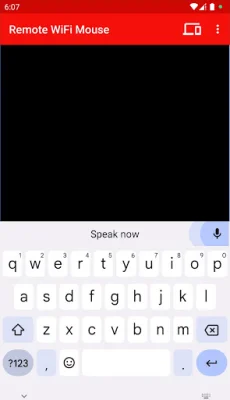
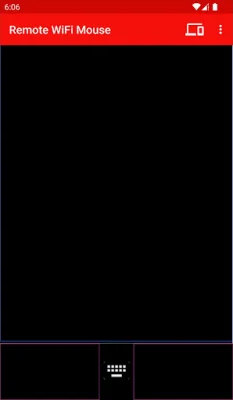
This application allows you to control your PC or laptop remotely using your mobile phone or tablet. With this app, you can use your phone's screen to move the mouse cursor on your computer, as well as left and right click. You can also use two fingers to scroll with the middle mouse button. Additionally, you can use your phone's keyboard to input text on your computer, and even use speech-to-text technology to dictate in any software or website on your PC.
But that's not all - this app also allows you to use voice commands to control your music and media on your computer. You can simply say the name of a song or artist and it will start playing on your computer. You can also use voice commands to shut down, sleep, restart, or log off your computer. This app also has the capability to control PowerPoint presentations and open programs, websites, and files on your PC using voice commands.
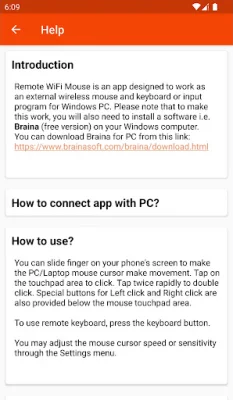
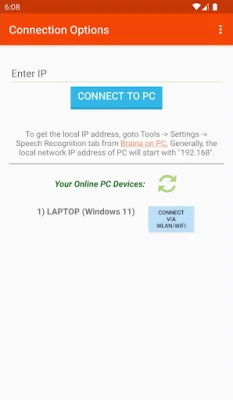
In order to connect your phone to your PC, both devices must be connected to the same WiFi network. If you don't have a WiFi router, you can use the WiFi Hotspot feature on your phone. You will also need the IP address of your PC, which can be found in the settings of the Braina software on your computer. Once you have the IP address, you can enter it into the app on your phone and click connect. If there are any issues connecting, you can try using the other IP addresses listed in the settings.
It's important to note that if there are firewalls on your network, the app may not connect successfully to your computer. For more information and troubleshooting tips, you can refer to the Frequently Asked Questions section on the app's website. This app is compatible with various versions of Windows, including XP, Vista, 7, 8, and 10. You also have the ability to adjust the mouse cursor speed and sensitivity to your liking. With this app, you can easily control your computer from a distance and make your daily tasks more convenient and efficient.
Rate the App















Popular Apps









