

Restore My Contacts: Backup
2.6 by Neo Mobile Solutions (0 Reviews) May 09, 2026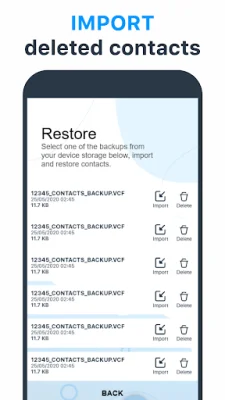
Latest Version
2.6
May 09, 2026
Neo Mobile Solutions
Tools
Android
0
Free
com.restorebackup.restoremycontactsbackup
Report a Problem
More About Restore My Contacts: Backup
Restore My Contacts is an Android application that allows users to easily manage and protect their contacts. It serves as the ultimate backup and recovery solution for Android devices, ensuring that users' data is always safe. With this app, users can effortlessly recover deleted contacts, transfer contacts between devices, and securely store their contact list.
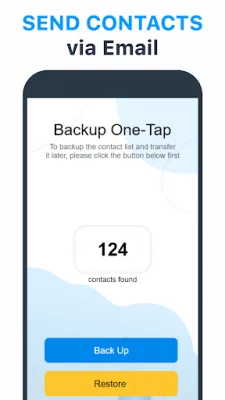
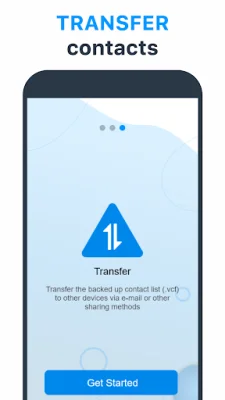
The app offers a variety of features to make managing contacts a breeze. Users can quickly backup their SIM card and entire contact list in just seconds. They can also easily transfer or share contact backups via Gmail or other sharing tools. Additionally, the app allows users to save their contact list directly to their device storage after backing up.
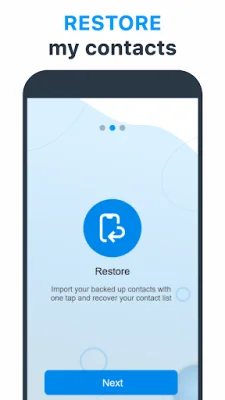
In the event that contacts are accidentally deleted, Restore My Contacts has a feature to recover them. Users can restore deleted numbers using their previous backup files or retrieve lost contacts without the need for prior backups. This provides peace of mind for users who may have important contacts that they cannot afford to lose.
One of the smart features of Restore My Contacts is its ability to analyze and organize contacts. This eliminates duplicates and streamlines the contact list, making it easier for users to manage their contacts. The app also offers one-tap backup for phone book, SIM card, Google, and WhatsApp contacts, as well as the ability to import contacts from backups whenever needed.
Some key features of Restore My Contacts include quick backups, easy sharing via email or Gmail, local storage for contact backups, and cross-device transfer between Android, iOS, and PC. This makes it a versatile and convenient tool for users who may have multiple devices or need to transfer contacts between different platforms.
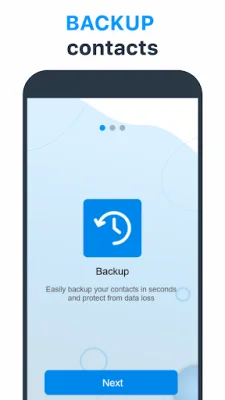
To backup contacts on Android, users simply need to click "Backup" within the app. This will secure their contacts instantly, providing peace of mind and ensuring that their data is always safe. With Restore My Contacts, users can experience the ease of restoring and safeguarding their contacts hassle-free.
Rate the App













Popular Apps









