Samsung TV Remote
1.1.7 by New World Apps (0 Reviews) July 30, 2024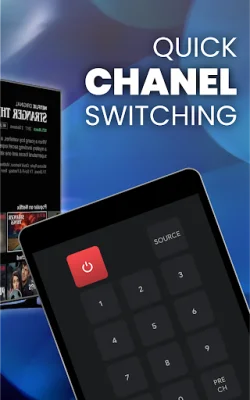
Latest Version
1.1.7
July 30, 2024
New World Apps
Tools
Android
0
Free
com.afl.samsungremote
Report a Problem
More About Samsung TV Remote
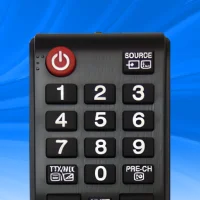
This Samsung remote app allows users to easily connect their Samsung smart TV to their mobile device for convenient and efficient control. To connect, users simply need to open the app and go to the main interface, click the device button in the top right corner, and choose the desired device from the list. Once connected, users can enjoy all the features of the Samsung smart remote.
The app offers a variety of features to enhance the user's TV viewing experience. With one-touch connection to popular apps like YouTube, Netflix, and Spotify, users can easily access their favorite content. The app also has an easy installation process and can auto-detect the TV on the same WIFI network.
One of the main functions of the app is its ability to fully control the smart TV. It includes a keyboard feature for simplified text input and search, as well as quick access to favorite channels and apps. Users can also mirror their phone screen to the TV and cast local photos, videos, and web videos.
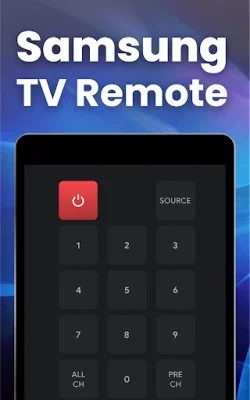
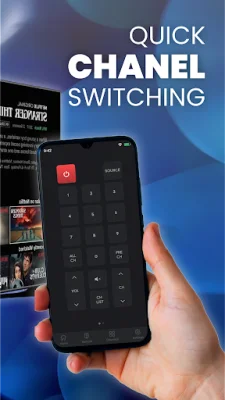
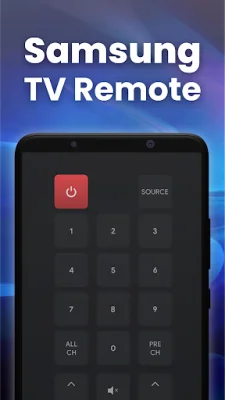
The app has a selection screen where users can choose from a variety of remote controls. The discovery screen shows all devices connected to the same network, making it easy to find and pair with the TV. The remote control screen allows users to tap on buttons and use them just like a traditional remote. The touchpad screen enables users to add frequently used buttons for convenience and navigate using the built-in touchpad area.
In addition to controlling the TV, the app also has a media screen for convenient media manipulation. However, there may be some troubleshooting required for connection issues. The app can only work when on the same WIFI network as the TV, and reinstalling or upgrading the app can help resolve any problems.
It's important to note that this app is not the official Remote Control for Samsung app, but it is designed to work best with Samsung TVs. Users are encouraged to rate the app and provide feedback for further improvements. Overall, this Samsung remote app offers a user-friendly and efficient way to control a Samsung smart TV from a mobile device.
Rate the App















Popular Apps









