Screen Mirroring - Cast To TV
by One Stop Apps (0 Reviews) November 09, 2025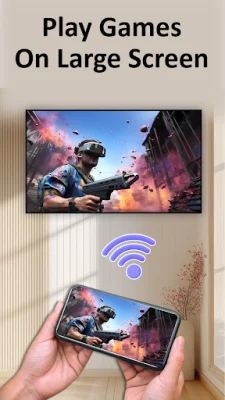
Latest Version
November 09, 2025
One Stop Apps
Tools
Android
0
Free
com.screenmirroring.smarttv.casttotv
Report a Problem
More About Screen Mirroring - Cast To TV
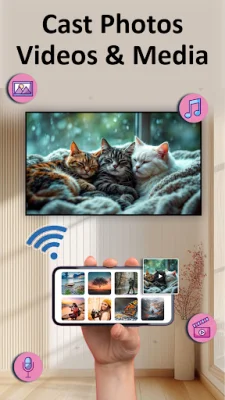
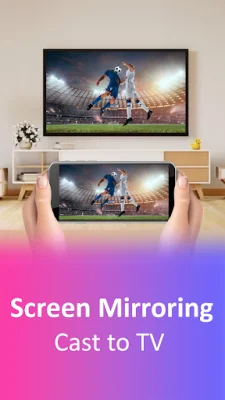
The screen mirroring app is a useful tool that allows you to mirror your phone or tablet screen onto your TV. This means that whatever is displayed on your device will also be shown on your TV, providing a larger and more convenient viewing experience. But that's not all - this app also supports direct media casting, making it even easier to watch your favorite content on the big screen.
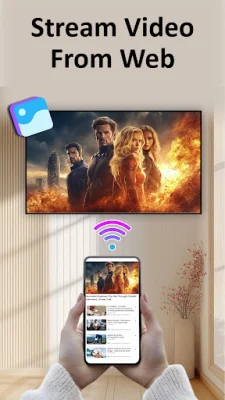
With the screen mirroring app, you can effortlessly cast content from popular streaming platforms like YouTube. You can also browse and stream videos using the built-in browser, giving you access to a wide range of online content. Additionally, you can share your personal photo and video library straight to your TV, making it easy to show off your memories to friends and family.
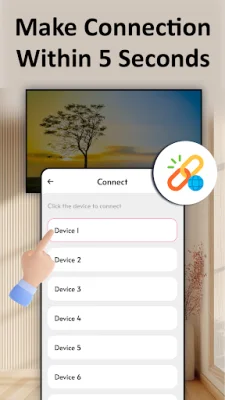
To start using the screen mirroring feature, all you need to do is connect both your device and TV to the same Wi-Fi network. Make sure to turn off any VPNs and enable the "Miracast Display" on your TV. Then, activate the wireless display function on your phone and tap the "Start Mirroring" button to begin. It's that simple!
If you want to use the web casting feature, you can do so by opening the provided URL on your TV browser and tapping "Start Casting" in the TV Cast app. This allows you to easily cast online content from your phone to your TV, without any additional equipment or hassle.
It's important to note that this app requires Miracast or compatible casting support, and its functionality may vary depending on your device. The app is not affiliated with any specific brands or services mentioned, and all trademarks belong to their respective owners. So why wait? Download the screen mirroring app now and enjoy a seamless viewing experience on your TV!
Rate the App







Popular Apps









