Screen Mirroring for Sony TV
3.0 by Manix Dex (0 Reviews) October 13, 2024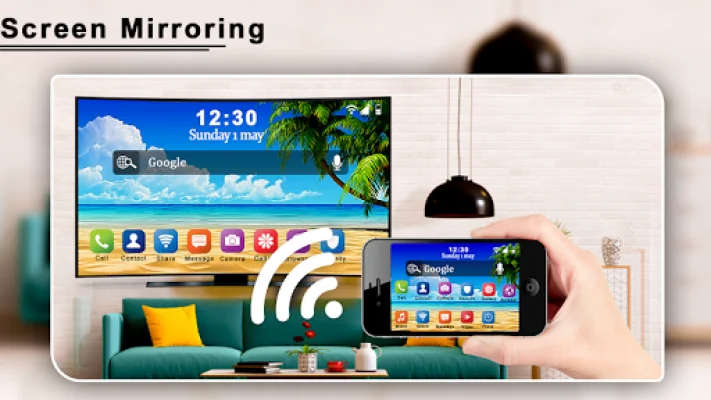
Latest Version
3.0
October 13, 2024
Manix Dex
Tools
Android
0
Free
com.menix.screenmirrorforsonytv
Report a Problem
More About Screen Mirroring for Sony TV
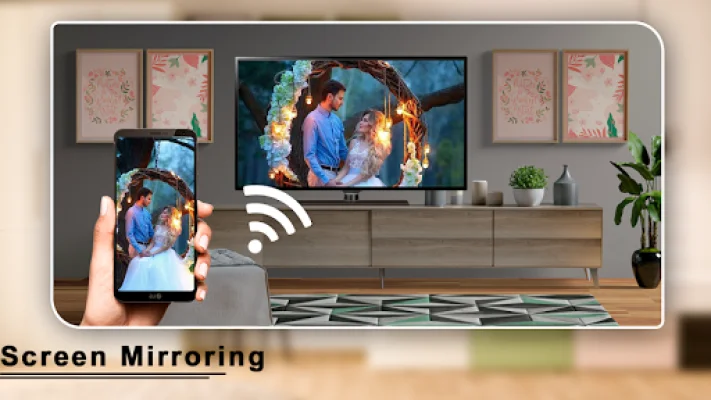
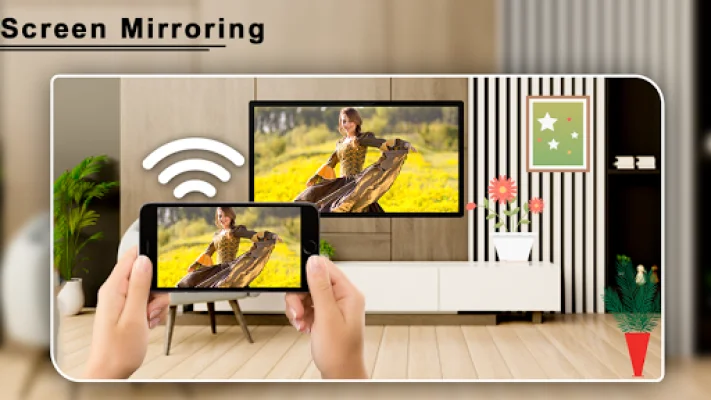
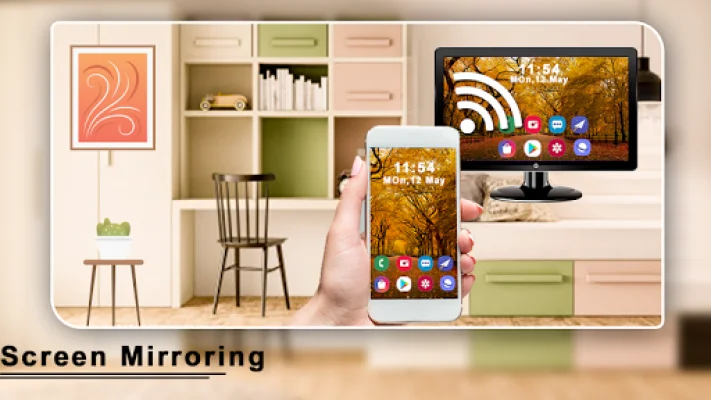
This application allows you to connect your Smart phone and Smart TV using Wi-Fi, so you can watch your phone's content on your TV screen. However, your TV must have Wi-Fi enabled in order for the application to work.
The Screen Mirroring for Sony TV : Cast to TV App is user-friendly and offers high definition resolution. It is especially useful for office work, presentations, and displaying pictures from your phone.
If you're tired of straining your eyes by looking at your small phone screen, this app allows you to have a bigger screen experience by connecting your phone to your TV.
Screen Mirroring is a technique that allows you to mirror your phone's screen onto your TV. This means you can easily access all of your games, photos, videos, and other applications on a larger screen using this app.
To use this app, simply download it from the Play store and click on "Start". Make sure your Wi-Fi is turned on and connect to the Wi-Fi Display. Then, connect with your smart TV. It's important to note that your device and TV must be connected to the same network. Once connected, you can enjoy the big screen experience!
If your TV does not support wireless Display Technology, you can still use this app by connecting a Chrome cast or any cast device. This app is a convenient and easy way to enhance your viewing experience by connecting your phone to your TV.
Rate the App









Popular Apps









