
Screen Mirroring & Sharing
1.9.9 by ZipoApps (0 Reviews) September 29, 2024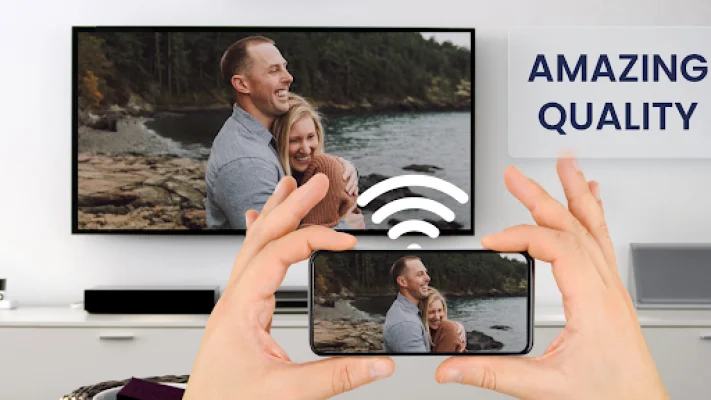


Latest Version
1.9.9
September 29, 2024
ZipoApps
Tools
Android
0
Free
com.screenmirrorapp
Report a Problem
More About Screen Mirroring & Sharing
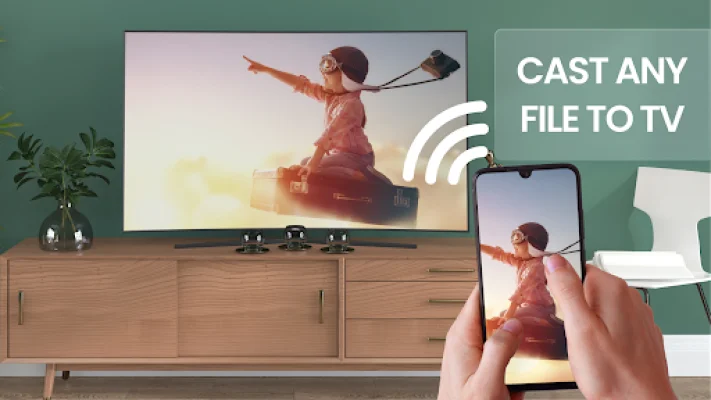
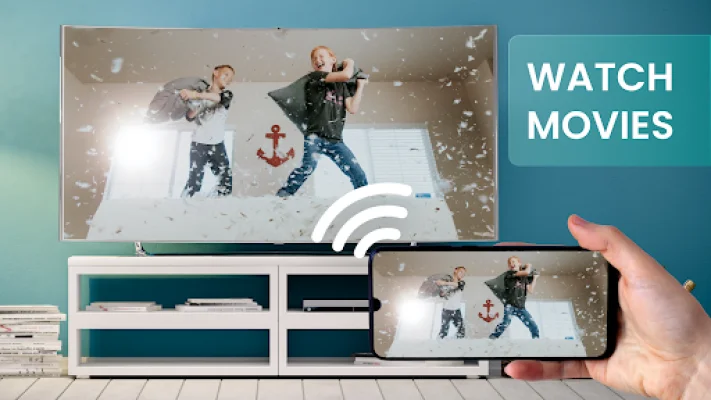
Screen mirroring is a useful feature that allows you to display your phone's screen on a TV or other android device. This can come in handy when you want to show photos, videos, watch movies, or play games on a larger screen. With the Screen Mirror app, you can easily and securely share your screen with any other android device on the same WiFi network.
Whether you need to give a presentation in front of an audience or simply want to share your phone's screen with friends and family, this app makes it quick and easy. It works with a variety of devices, including Google Chrome, Apple Safari, Firefox, and Samsung MU Series. However, please note that some SmartTVs may not be compatible due to their browsers not supporting the necessary features for the Mirror app.
In order to use the Screen Mirror app, you will need an internet connection and an Android device with version 5.0 or higher. It's important to note that while the app transmits the content of your display, it does not transmit audio signals. This app is perfect for streaming movies, music, and photos to your TV without any limitations.
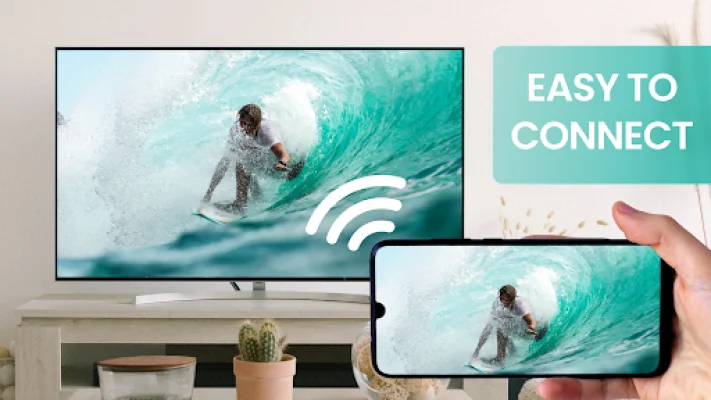
For the best results, make sure your WiFi connection is strong and your device has a powerful processor. This will help minimize any delays or buffering during the screen sharing process. To start sharing your screen, simply open the app on your device, start the screen mirror process, and scan the QR code provided. It's that easy!
With the Screen Mirror app, you can easily and securely share your screen with any other android device on the same WiFi network. It's a free and convenient way to mirror your phone's screen on a TV or other device. So why wait? Try it out and start enjoying your favorite content on a bigger screen today!
Rate the App












Popular Apps









