
Screen Mirroring & TV Cast
1.2.8 by GOM Ltd. (0 Reviews) October 26, 2024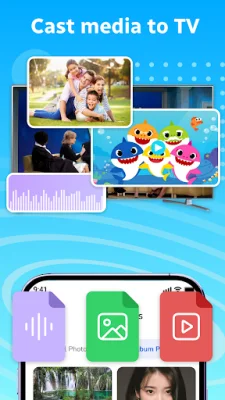

Latest Version
1.2.8
October 26, 2024
GOM Ltd.
Tools
Android
0
Free
colody.miracast.screenmirroring.casttotv
Report a Problem
More About Screen Mirroring & TV Cast
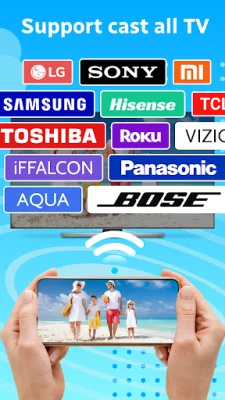
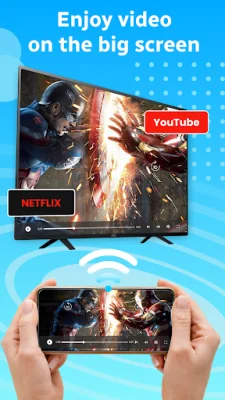
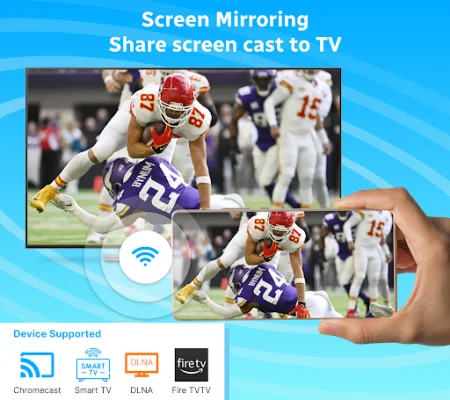
Screen Mirroring is an application that allows you to share the content on your device screen with a larger TV screen in real time. It supports a variety of devices such as Chromecast, Fire TV, and Smart TVs from popular brands like Samsung, LG, Sony, and Panasonic. The connection is wireless, making it easy to share content without any physical connections. You can also share online content, including streaming movies, playing games, and watching YouTube videos, without any limitations. Additionally, the app allows you to control your TV remotely without a physical remote control, and it has a user-friendly interface that makes connecting a simple process.
With Screen Mirroring, you can cast your phone screen to a variety of devices, including Chromecast, Smart TVs, and other DLNA receivers. This allows for a more immersive experience, as the quality of the shared content is maintained. You can share content with multiple people and enjoy it with your family and friends.
The app also supports casting multimedia content, such as videos, images, and audio, from your phone to your TV. This allows for a seamless and enjoyable visual and audio experience. Additionally, you can control your TV remotely with the app, including turning it on or off, adjusting the volume, and fast-forwarding or rewinding videos.
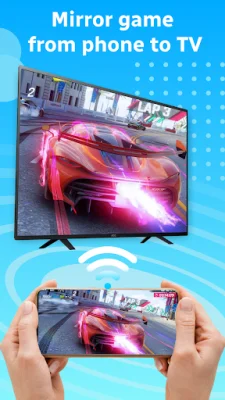
One of the main features of Screen Mirroring is its fast and unlimited screen mirroring capabilities. You can not only share online content, but also play video games and watch movies in real time with sharp Full HD quality. You can also use the app to present presentations or share documents on your TV screen.
It is important to note that both your TV and Android device must support wireless display/Miracast and screen mirroring functions, and they must be connected to the same Wi-Fi network. Additionally, you will need to turn off any VPNs to connect the devices.
Overall, Screen Mirroring is a great tool for bringing family and friends closer together by allowing you to share your screen and enjoy content together on a larger screen. The app is constantly being developed and improved, and any feedback is greatly appreciated. So, if you have any questions or suggestions, you can contact the developers at [email protected]. Download Screen Mirroring & TV Cast now and enhance your viewing experience with your loved ones.
Rate the App











Popular Apps









