

Screen Mirroring - TV Cast
3.52 by Simple Office App (0 Reviews) November 25, 2025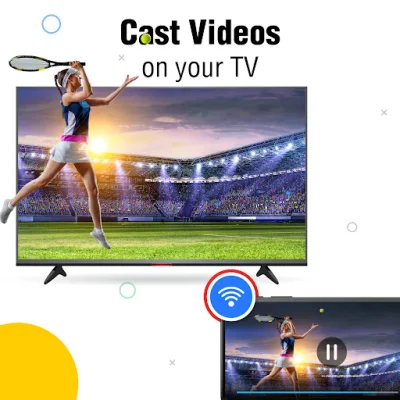
Latest Version
3.52
November 25, 2025
Simple Office App
Tools
Android
0
Free
screenmirroring.tvcast.casttotv.screencast.miracast
Report a Problem
More About Screen Mirroring - TV Cast
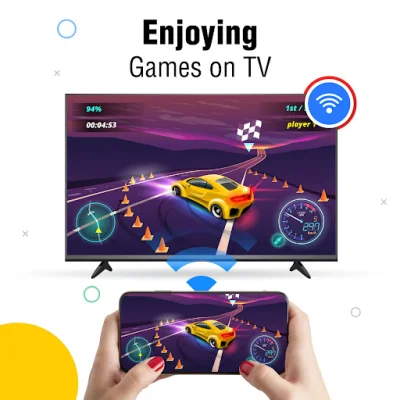
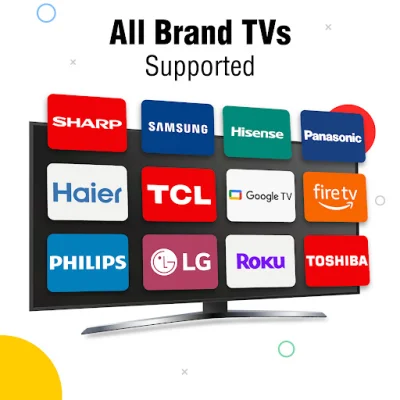
The TV cast screen mirroring app offers a variety of key features that allow users to easily connect their mobile devices to a smart TV and share their screen with others. With the Chromecast feature, users can mirror their device screen onto the TV, allowing for a larger display of different activities. This makes it perfect for sharing presentations, videos, or any other media with a group of people.
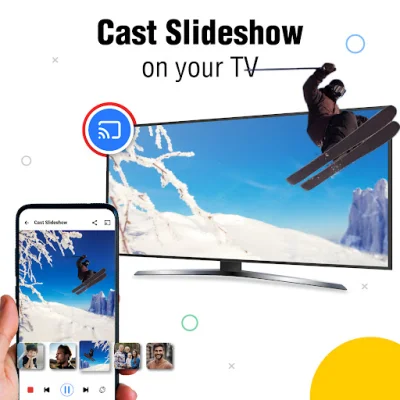
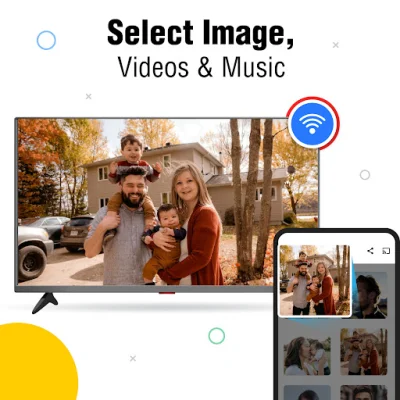
The app also allows for easy display screen casting, where users can directly share photos, videos, and other media stored on their phone or tablet onto the TV screen using the Allshare cast feature. This makes it convenient for sharing memories with friends and family on a bigger screen.
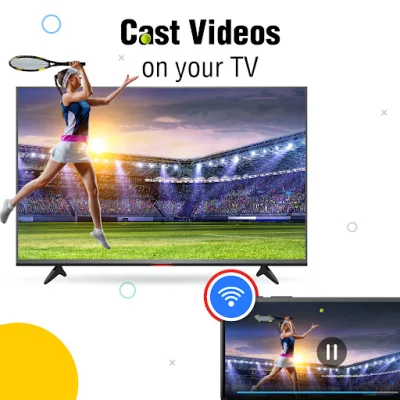
In addition to media sharing, the app also supports HD video screen mirroring, allowing users to cast high-quality videos from their mobile device to the TV without the need for any wires. The Chromecast function also enables users to play music, podcasts, or any other audio from their phone on the TV, utilizing the TV's speakers for better sound quality.
The app is designed for wireless connectivity, allowing users to connect their phone to the TV using Wi-Fi without the need for any cables. This makes it easy to set up and use, as long as both devices are connected to the same network.
The user-friendly interface of the app makes it accessible for anyone to use. With just a few taps, users can easily set up and start casting their screen onto the TV. The app also provides step-by-step instructions on how to use it, making it even more user-friendly.
To use the TV screen mirroring app, users simply need to connect their phone and smart TV to the same Wi-Fi network, enable the screencast display function on the TV, activate the Wireless Display feature on the phone, and search and connect the devices. The app also welcomes feedback from users to continuously improve and enhance the user experience.
Rate the App












Popular Apps









