
Screen Stream Mirroring
2.8.2-google by MOBZAPP (0 Reviews) August 10, 2024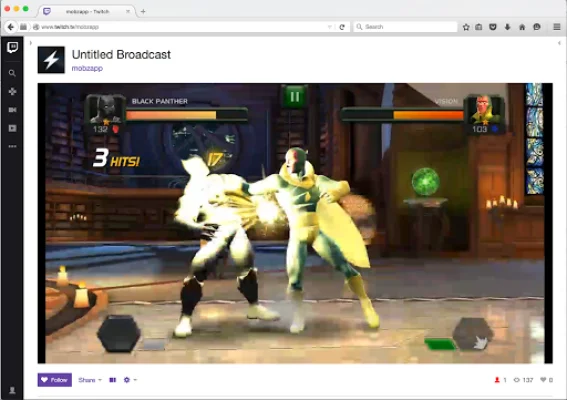
Latest Version
2.8.2-google
August 10, 2024
MOBZAPP
Tools
Android
0
Free
com.mobzapp.screenstream.trial
Report a Problem
More About Screen Stream Mirroring
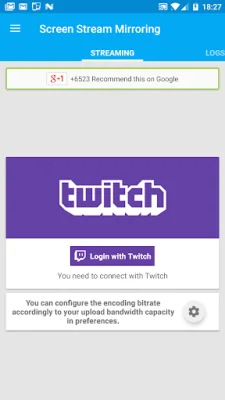
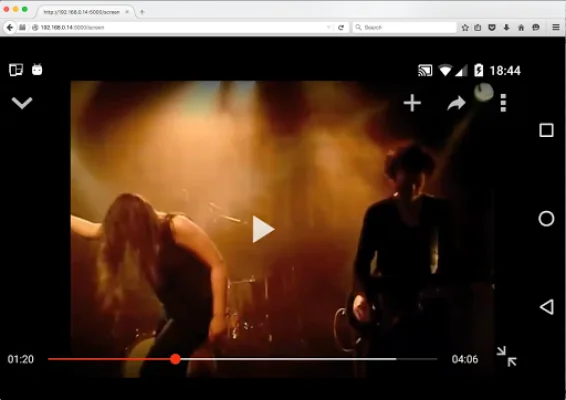
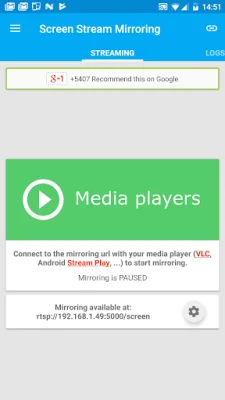
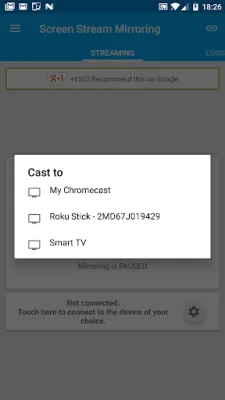
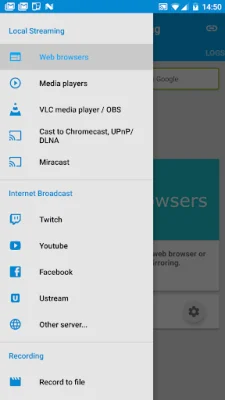
This application allows you to share your screen in real-time with any device or computer on the same network. You can use media players, web browsers, Chromecast, and UPnP/DLNA devices (such as Smart TVs) to view your screen as if it were a dual screen. This is perfect for making presentations for work, education, or gaming. You can even live broadcast your screen to popular streaming servers like Twitch, Youtube Gaming, and Facebook, or record it to video files.
This is the free version of Screen Stream Mirroring, but you can try it out before purchasing the Pro version to ensure compatibility with your device. The free version has a time limit for each application run.
Some of the features available include the ability to mirror and share your screen with media players like VLC and OBS, as well as web browsers. You can also broadcast to popular streaming servers and use UPnP/DLNA devices to view your screen. The app is also compatible with Google Cast™ (Chromecast) and has a streaming timer and stop function for when your device is locked. You can even add camera and image overlays while streaming.
Before installing the app, it is important to read the instructions provided. If you encounter any issues or have questions, please do not use reviews to report them. Instead, contact the support team at [email protected] for assistance. They are dedicated to helping you resolve any problems and want the app to work the best it can for you. If your device is not rooted, you will need to use the startup tool provided to activate screen mirroring. This tool only needs to be used once and again after your device is restarted.
If you have any issues or requests, please contact the support team at [email protected]. They appreciate original and SEO-oriented feedback. For more information and instructions, please visit the application's website or support forum.
Rate the App















Popular Apps









