
SIM Tool Manager
4.3.5 by sadens Studio (0 Reviews) October 03, 2024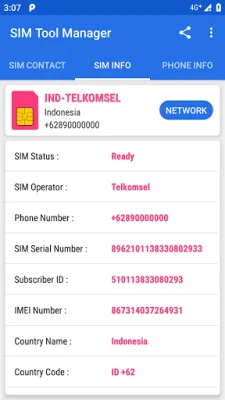
Latest Version
4.3.5
October 03, 2024
sadens Studio
Tools
Android
0
Free
com.keesadens.SIMcardToolManager
Report a Problem
More About SIM Tool Manager
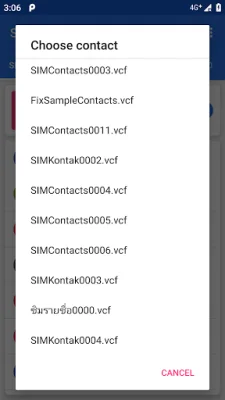
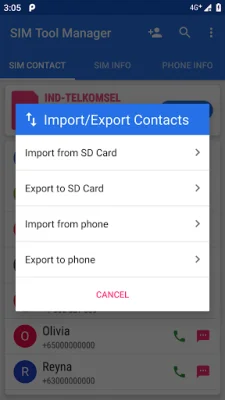
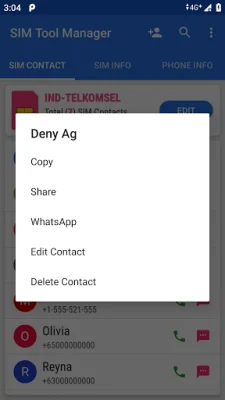
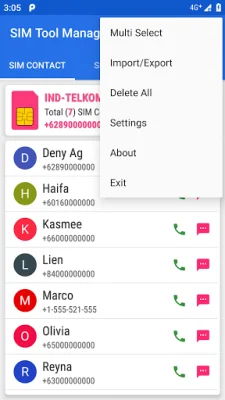
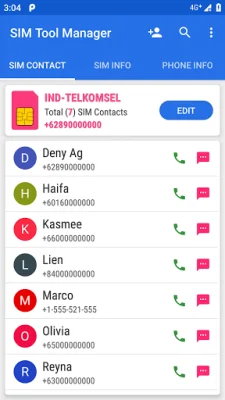
The SIM Contact application allows users to easily manage their sim card contacts. This includes adding new contacts, modifying existing ones, and even copying and sharing contacts. Users can also export their sim contacts into their phone for easy access. Additionally, the app allows users to make calls and send messages directly from their sim contacts without having to add them as a contact on their phone.
In the SIM Card Info tab, users can view important information about their sim card, such as its status, operator, network type, and more. They can also copy and share this information for their own records.
The Network Info tab displays information about the connected cell or Wi-Fi network on the user's device. This includes the ability to view and select network connections, manage SIM cards, and add or modify APN settings.
In the Phone Info tab, users can view information about their phone device, such as its name, model, type, and more. They can also copy and share this information for their own records. This tab also displays system information, display and screen information, memory and battery information, and a list of all the sensors and support features available on the phone.
The app supports both light and dark themes for user customization. However, it is important to note that the app only supports a single sim card. Overall, the SIM Contact app provides a convenient and efficient way for users to manage their sim card contacts and access important information about their sim card and phone device.
Rate the App















Popular Apps









