

Smart DNS Changer Pro
2.9r by Scoteam (0 Reviews) October 07, 2024
Latest Version
2.9r
October 07, 2024
Scoteam
Tools
Android
0
$0.49
com.scoreboot.hypnetpro
Report a Problem
More About Smart DNS Changer Pro
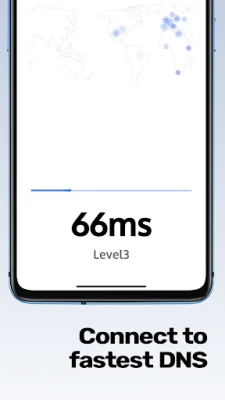
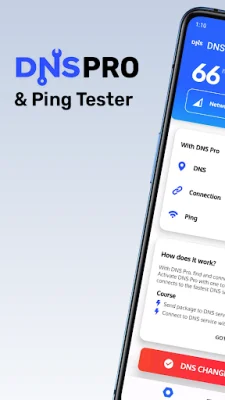
This application is designed specifically for Android devices and serves as a DNS changer. Its main function is to compare and connect to the fastest DNS server available. This is done by testing the latency of various DNS servers and sorting them accordingly. The goal is to provide users with a hassle-free and speedy internet connection.
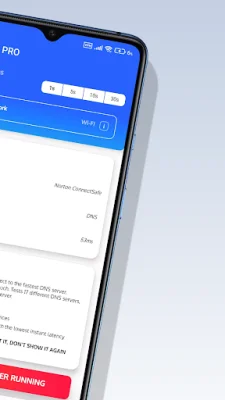
The process of optimizing internet speed and changing DNS involves several steps. First, the application checks the internet connection and identifies the network type (such as Wi-Fi or mobile network). Then, it calculates the latency of the current connection. Next, it tests 17 different DNS services by pinging a global server and sorts them based on their latency. The fastest DNS server is then configured and a connection request is sent, which may require the user to grant VPN permission. Once the DNS connection is established, the main interface is updated with information about the connected DNS server, ping time, and network type.
The application also features a Ping Monitor tool, which constantly updates the user on the ping time in a corner of the screen. This is useful for online gamers to monitor any lag or delays in their gameplay. The ping time is calculated by pinging a hub and is based on the latency. This feature supports all network types but requires certain permissions and an internet connection to function properly.
In order for the DNS changer to work effectively, it requires specific permissions. These permissions are necessary for calculating ping times, identifying network types, and running the application in the background. Similarly, the Ping Monitor also requires display permissions and an internet connection to function properly.
In summary, this DNS changer application for Android devices aims to provide users with the fastest and most efficient internet connection. It does so by comparing and connecting to the fastest DNS server available and also features a Ping Monitor tool for monitoring ping times. However, in order for these features to work effectively, the application requires certain permissions and an internet connection.
Rate the App















Popular Apps









