Smart Transfer - Data Share
by Smart Pixels Studio (0 Reviews) August 29, 2024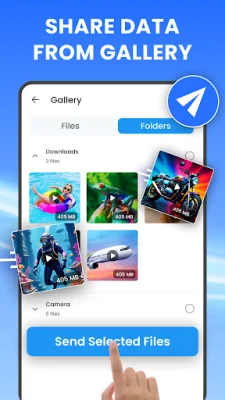

Latest Version
August 29, 2024
Smart Pixels Studio
Tools
Android
0
Free
com.sp.share_now.file_transfer_app
Report a Problem
More About Smart Transfer - Data Share
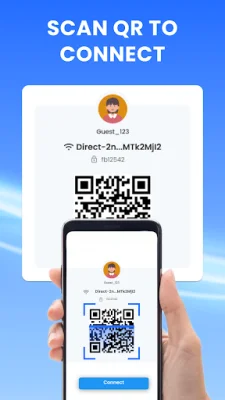
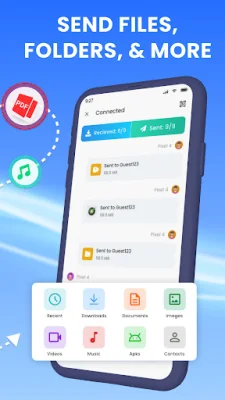
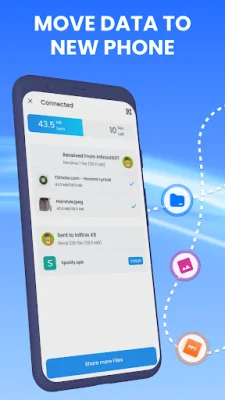
The Smart Data Share app is a convenient and efficient way to transfer data between devices. It allows users to quickly share photos, videos, files, and even apps with just a few taps. The app uses Wi-Fi Direct technology to ensure fast transfers without using up data plans. With a user-friendly interface and advanced security measures, the app makes data sharing simple and safe.
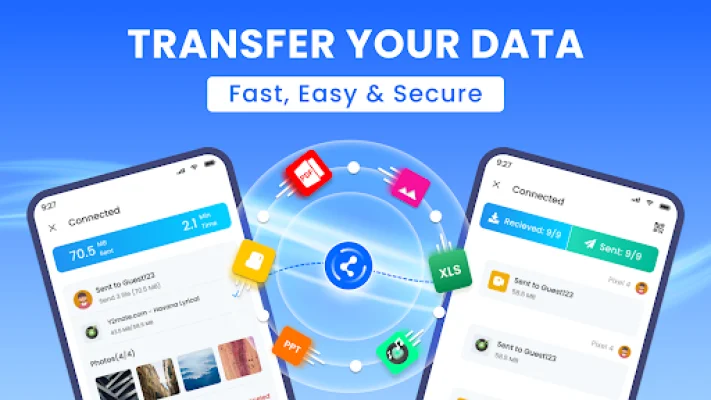
The app's main feature is its ability to transfer data at lightning speed. Whether it's large files or entire folders, the app can transfer all data at once. It also allows for app sharing, making it a versatile tool for all types of data sharing needs. The use of Wi-Fi Direct technology ensures that transfers are quick and efficient, without using up data plans.
The app's interface is designed to be simple and intuitive, making it easy for users to transfer data with just a few taps. It also has advanced security measures in place, including an encryption protocol, to keep data safe during transfers. This ensures that users can share their data without worrying about their privacy being compromised.
In addition to traditional file sharing, the Smart Data Share app also allows for cross-platform sharing between different devices. This means that users can easily share data between devices with different operating systems. The app also supports large files and folders, with no size restrictions, making it a versatile tool for all types of data sharing needs.
To use the app, users simply need to open it and select whether they want to send or receive data. They can then choose the files they want to share and tap the send button. The app will then connect to the other device and transfer the data. The app also keeps a record of all sent and received files for easy reference.
The Smart Data Share app prioritizes user privacy and security. It has a strict privacy policy in place to protect user data and also has a contact email for users to reach out with any issues or suggestions. Whether for personal or professional use, the Smart Data Share app simplifies the data sharing experience for all users.
Rate the App













Popular Apps









