Smart TV Cast: Screen Share
9.3 by Technoline Apps (0 Reviews) December 01, 2025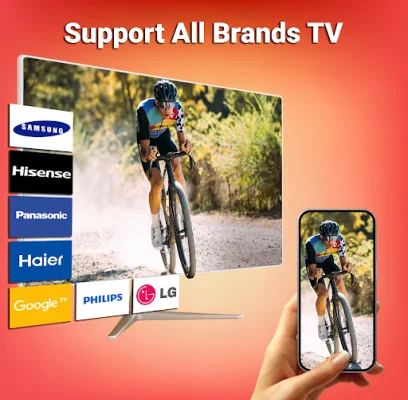

Latest Version
9.3
December 01, 2025
Technoline Apps
Tools
Android
0
Free
com.app.miracast.screenmirroring.tvcast
Report a Problem
More About Smart TV Cast: Screen Share
Tired of constantly searching for the best apps to cast your small phone screen onto a larger screen for a better viewing experience? Look no further than Miracast screen mirroring! This app provides a quick and easy way to connect and cast your phone to a Chromecast for screen mirroring. Not only that, but it also offers a secure connection to protect your data, files, and applications.
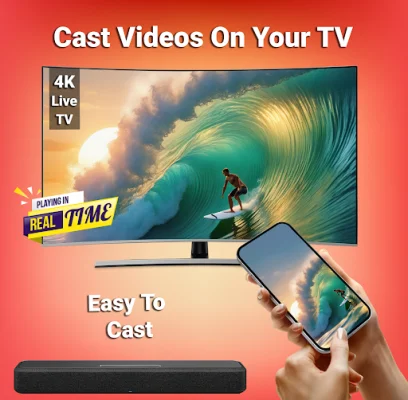
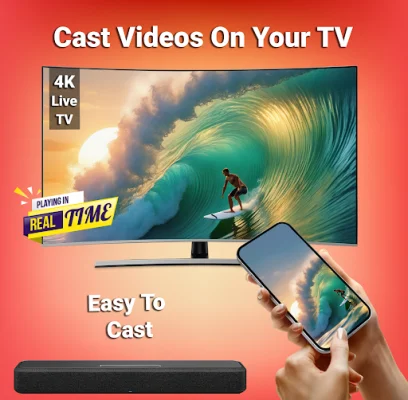
With wireless casting, Miracast screen mirroring solves the problem of having a smaller screen during family gatherings, business meetings, and video conferences. It allows you to open windows from your phone onto a smart TV screen, essentially mirroring your phone's screen onto a larger display. This is perfect for streaming your favorite TV shows and series, as well as sharing movie nights or other recorded occasions with friends and family.
Before you start using the app, there are a few things to keep in mind. First, make sure that your smartphone and TV are connected to the same WIFI network. Both devices should also support wireless display and screen mirroring functions. Then, enable the Wireless Display option on your phone and click on the screen start button to begin streaming your phone to a bigger screen.
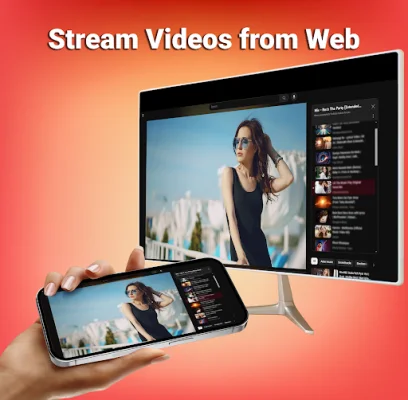
But the benefits of Miracast screen mirroring don't stop there. With this app, you can access all of your favorite applications on a big screen without any limitations. You can also browse the web and stream any video you want using the Web video caster feature. It's as simple as a single click to experience everything at your fingertips.
The app also boasts a user-friendly interface and supports all types of media files, including videos, photos, audio, and documents. It can be used with multiple devices and offers real-time screen sharing at a fast speed with a strong Wifi connection. So why wait? Download Miracast Screen Mirroring now and enjoy the convenience of streaming your favorite content on a bigger screen with just one click!
One unique feature of this app is the PERM_ACTION_ACCESSIBILITY_SERVICE, which allows you to control your device's navigation gestures through a remote control hosted on a website. This means you can control your device remotely, making it even more convenient to use. So if you're looking for a stable and reliable screen mirroring app, look no further than Miracast Screen Mirroring. Say goodbye to straining your eyes on a small phone screen and hello to a better viewing experience on a bigger screen!
Rate the App






Popular Apps









