
Sony Bravia Screen Mirroring
4.0 by Tech_Studio (0 Reviews) October 12, 2024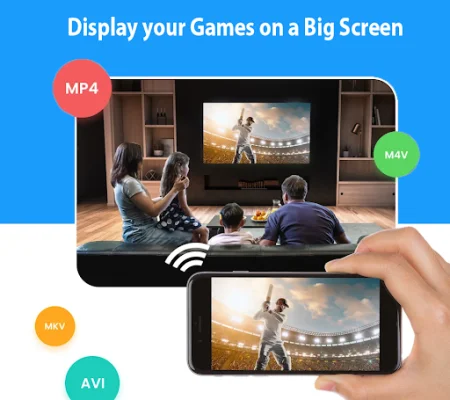
Latest Version
4.0
October 12, 2024
Tech_Studio
Tools
Android
0
Free
com.sony.sonybravia.screenmirroring
Report a Problem
More About Sony Bravia Screen Mirroring
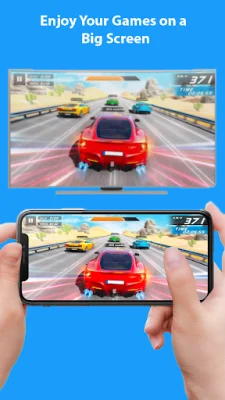
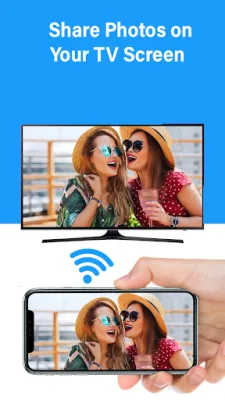
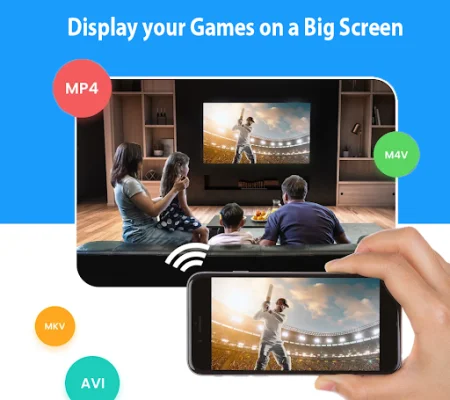
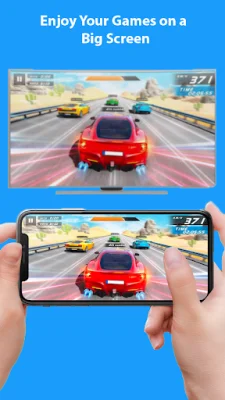
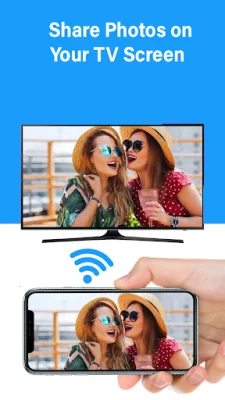
Sony Bravia TV Screen Mirroring app is a powerful tool that allows you to mirror and cast your Android screen and audio in real time using the Miracast feature. This app is perfect for those who want to share their phone screen on a bigger screen, such as a TV. It is compatible with any device, including smartphones, smart TVs, laptops, and tablets, making it easy to connect your device to your Sony TV. With this app, you can easily play videos, music, and stream photos from your smartphone to your TV. It also allows you to search for and stream your favorite TV shows and series from popular streaming servers like Twitch, Youtube Gaming, and Facebook. This makes it perfect for streaming your favorite games or sharing presentations for work. The app has a variety of features that make it user-friendly and efficient. It supports all media files, including videos, photos, audios, and PDFs, and allows for fast and easy connections with just one click. It also has a fast WiFi connection, making it quick to cast your phone screen to your TV. You can even play mobile games on your TV screen and cast live videos from your browser. To use the Sony Bravia Screen Mirroring app, simply make sure your TV and phone are connected to the same WiFi network, enable Miracast Display on your TV, and activate the wireless display option on your phone. Then, select your TV from the app and start enjoying your favorite content on the big screen. Even if you don't have a Sony Bravia TV, you can still use this app to mirror your phone screen. It is compatible with other devices such as Roku, TCL TV, Samsung Smart View TV, LG TV, Hisense TV, Philips smart TV, Xiaomi TV, Vizio smart TV, Amazon Fire Stick and Fire TV, and other wireless and Miracast adapters. This app is easy to use and completely free, making it a convenient and cost-effective option for screen mirroring. If you have any issues with the app, you can contact the developers for assistance. Please note that this app is not affiliated with any of the mentioned trademarks. If you have enjoyed using this app, please rate it on the play store to support the developers.
Rate the App









Popular Apps









