

Synology Secure SignIn
1.2.1 by Synology Inc. (0 Reviews) August 02, 2024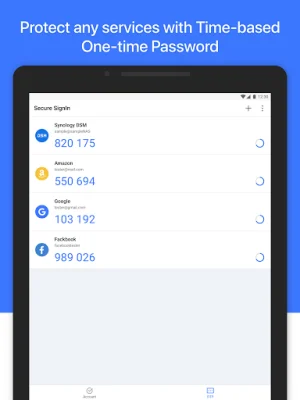
Latest Version
1.2.1
August 02, 2024
Synology Inc.
Tools
Android
0
Free
com.synology.securesignin
Report a Problem
More About Synology Secure SignIn
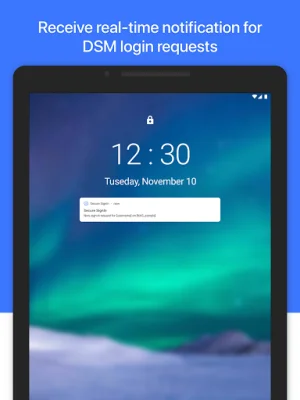
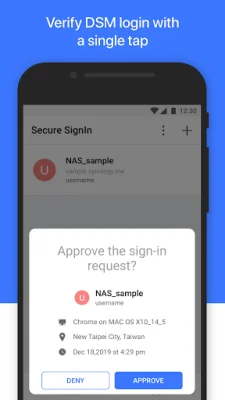
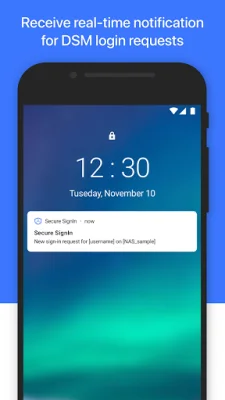
Synology Secure SignIn is a feature that can be used with DiskStation Manager 7.0 or above to increase the security of your account. This feature requires the Synology Secure SignIn service to be enabled. With this feature, you have the option to use two different verification methods: Approve sign-in and verification code (OTP). These methods can be used as a second step in the sign-in process, providing enhanced protection for your account.
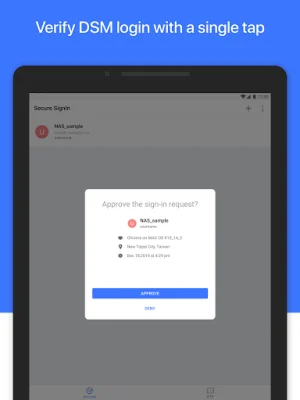
The Approve sign-in method allows you to replace your DSM password with a more secure option. This means that instead of using a traditional password, you can use this method to verify your identity and gain access to your account. This can be especially useful for those who struggle to remember complex passwords or are concerned about the security of their passwords.
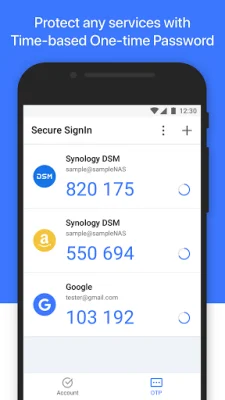
The verification code (OTP) method is another option for securing your account. This method involves using a one-time code that is sent to your device, such as a phone or email, to verify your identity. This adds an extra layer of security to your account, as the code is only valid for one use and cannot be reused by anyone else.
For even greater protection, you can choose to use both of these methods as part of a 2-factor authentication process. This means that in order to access your account, you will need to complete both the Approve sign-in and verification code steps. This can significantly reduce the risk of unauthorized access to your account and keep your personal information safe.
In order to take advantage of these security features, you will need to have DiskStation Manager 7.0 or above installed on your device. This is the operating system used by Synology products, and it must be at least version 7.0 for the Synology Secure SignIn feature to be available. Additionally, you will need to have the Synology Secure SignIn service enabled in order to use these verification methods. By following these steps, you can ensure that your account is well-protected and secure from potential threats.
Rate the App















Popular Apps









