
TV Cast - Cast for Chromecast
1.2.5 by AZ Mobile Software (0 Reviews) October 23, 2024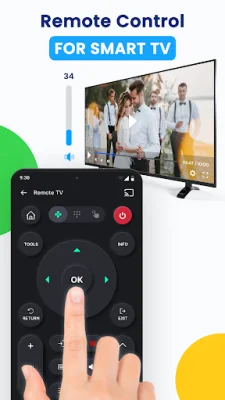
Latest Version
1.2.5
October 23, 2024
AZ Mobile Software
Tools
Android
0
Free
com.azmobile.casttv.castforchromecast
Report a Problem
More About TV Cast - Cast for Chromecast
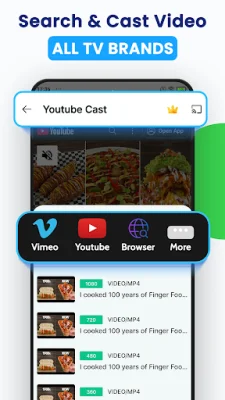
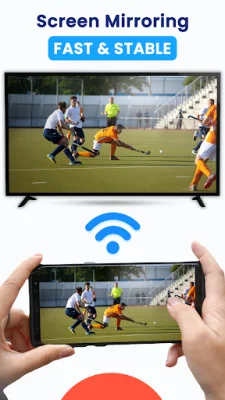
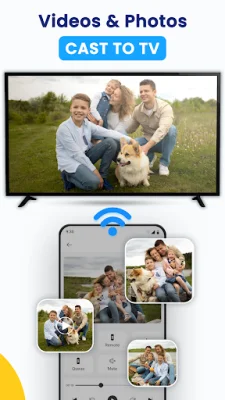
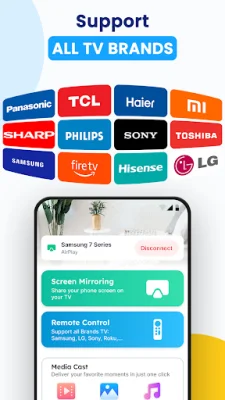
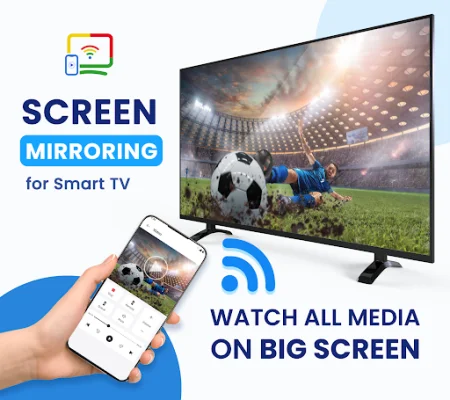
TV Cast & Screen Mirroring is an application that allows you to easily cast content from your smartphone to your smart TV, Chromecast, Xbox, Roku, Fire TV, Samsung, LG TV, and other compatible devices. This means you can say goodbye to squinting at your small phone screen and instead enjoy your favorite content on a larger screen with Screen Mirroring - TV Cast. The key features of TV Cast & Screen Mirroring include the ability to mirror your phone screen to your TV with low latency, share photos, videos, web videos, music, and more, control your smart TV from your phone, stream music and games on the big screen, and cast directly from popular platforms like YouTube, Google Photos, and web browsers. With TV Cast & Screen Mirroring, you can easily mirror your phone screen to your TV in just a few taps. This allows you to stream videos, play games, listen to music, and browse through photos and videos with a fast and stable connection, ensuring a seamless viewing experience without any lag. Tired of huddling around your phone to share media with friends and family? TV Cast & Screen Mirroring allows you to showcase your media library on any smart TV, including Chromecast, Roku, Fire TV, Xbox, Samsung, LG TV, and more. Simply connect your devices to the same Wi-Fi network and start casting. In addition, TV Cast & Screen Mirroring also offers the convenience of phone remote control. You can adjust the volume, navigate through content, and even stream music or play games on the big screen directly from your phone. But that's not all – TV Cast & Screen Mirroring also allows you to stay active while watching TV. You can enable screen mirroring and smart casting to follow along with fitness exercises or present presentations with ease, making it a versatile and useful app for various purposes. To enjoy TV Cast & Screen Mirroring seamlessly, all you need to do is connect your phone and smart TV to the same Wi-Fi network, activate Wireless Display and Miracast on your TV, choose and connect to your Smart TV from your phone screen, and start exploring all the features the app has to offer. It's important to note that Screen Mirroring requires an internet connection and Android 5.0 or higher. Additionally, some smart TVs may not work with the app due to their browsers not supporting the necessary features for mirroring. Overall, TV Cast & Screen Mirroring is a useful and convenient app for anyone looking to cast content from their phone to a larger screen. It offers a variety of features and a seamless connection for an enhanced viewing experience. So why wait? Download TV Cast & Screen Mirroring now and start enjoying your favorite content on the big screen!
Rate the App















Popular Apps









