TV Remote Control for Smart TV
by iKame Applications - Begamob Apps (0 Reviews) March 18, 2026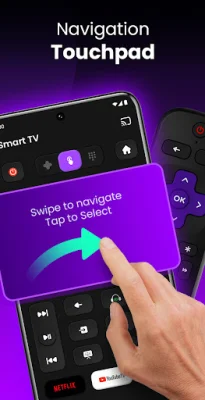
Latest Version
March 18, 2026
iKame Applications - Begamob Apps
Tools
Android
0
Free
com.tv.remote.super
Report a Problem
More About TV Remote Control for Smart TV
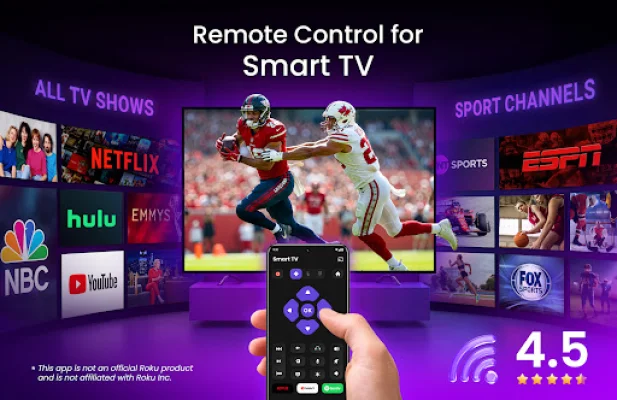
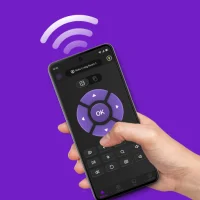
TV Remote Control for Smart TV is a convenient and practical app that allows you to control your TV directly from your phone. It offers a variety of features such as navigating menus, typing text, launching channels, and sharing media, making it the perfect replacement for a lost or broken physical remote.
This app is designed for everyday use, providing a smooth and effortless experience for controlling your TV. It is compatible with popular TV brands such as TCL, Hisense, Sharp, Philips, Insignia, and more, eliminating the need for extra hardware or complicated setup.
Connecting your phone and TV is quick and easy, as long as they are on the same Wi-Fi network. The app automatically finds your device and connects instantly, without the need for pairing codes or manual setup.
With touch controls, you can easily browse channels and apps using natural swipe gestures. This makes scrolling, selecting content, and switching apps much easier compared to using a standard physical remote.
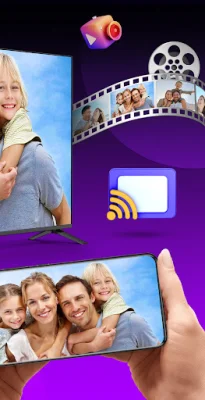
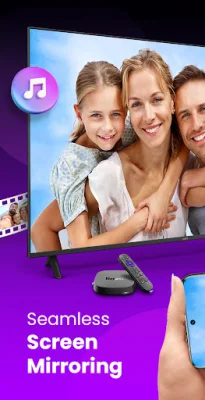
In addition, you can also cast photos, videos, and music from your phone to your TV with just a few taps. This allows for a more connected home entertainment experience. The app also includes a smart keyboard on your phone, making typing for searches, passwords, and usernames much faster and easier.
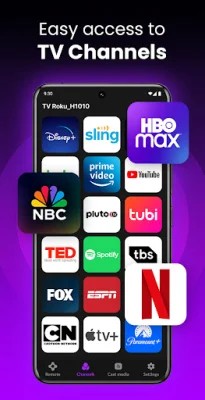
One of the standout features of this app is the ability to create shortcuts for your favorite channels. With a single tap, you can launch popular apps such as Netflix, YouTube, Hulu, Disney+, and more. It is also compatible with a variety of smart TVs and devices, making it a universal remote for all your entertainment needs.
The TV Remote Control for Smart TV app is designed for daily life, offering a clean and user-friendly interface with minimal delay in response time. It is the go-to choice for many people as it replaces a lost remote instantly, reconnects automatically when opened, and combines control, typing, searching, and casting in one app.
To get started, simply connect your phone and TV to the same Wi-Fi network, open the app, and select your device. Then, tap to connect and start controlling your TV. It's that easy! It's important to note that this app is not affiliated with any TV brands, and all trademarks belong to their respective owners.
Say goodbye to the hassle of using a physical remote and download TV Remote Control for Smart TV for a simpler and more convenient way to control your TV from your phone.
Rate the App








Popular Apps









