TV Remote for LG TV
by Aether Studios Co Ltd (0 Reviews) March 18, 2026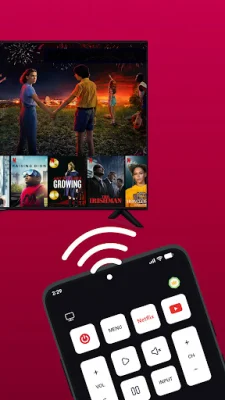
Latest Version
March 18, 2026
Aether Studios Co Ltd
Tools
Android
0
Free
io.aetherstudios.universal.tv.remote
Report a Problem
More About TV Remote for LG TV
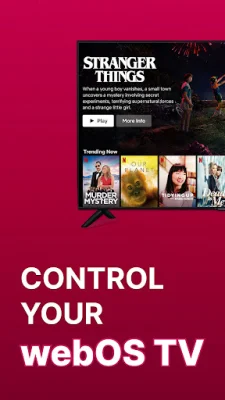
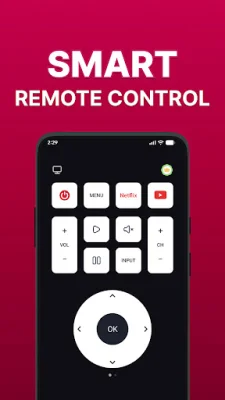
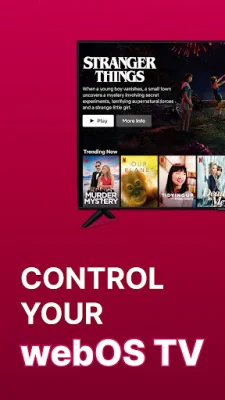
This app is designed to help you control your LG Smart TV without the need for a physical remote. It is perfect for those who have lost or broken their remote, or simply want a backup option. With just an Android smartphone and a WiFi connection, you can access and control all the features of your TV, making your TV-watching experience smooth, simple, and convenient.
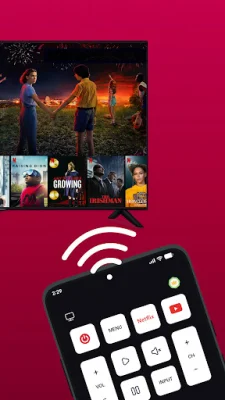
To use the app, you need to make sure that your WiFi is turned on and that both your TV and mobile device are connected to the same WiFi network. Then, you can easily pair your phone with your LG Smart TV and select the remote control inside the app. From there, you can enjoy using your phone as a remote.
This app turns your smartphone into a universal remote for LG Smart TVs in just a few seconds. Unlike other TV remote apps that may not work properly, this app is specifically designed for LG Smart TVs, ensuring reliable performance and seamless pairing. All you need to do is connect your phone and TV to the same WiFi network and tap to pair.
The app has several main features, including WiFi connection for easy pairing, support for multiple LG Smart TVs, and auto-connection once paired. It also offers vibration feedback when pressing buttons for better control confirmation and full remote functionality, allowing you to access a wide range of TV controls such as power on/off, channel switching, volume adjustment, and more.
You can download this universal remote for LG Smart TV now and enjoy effortless control at your fingertips. It offers a smarter and smoother way to watch TV. Please note that this app is not an official LG application and is not affiliated with LG Electronics or any of its trademarks. For more information, you can check out the privacy policy and terms of use provided by the app's developer. If you need support, you can contact the developer at [email protected].
Rate the App








Popular Apps









