Universal TV Remote for RokuTV
1.2.3 by WELLY GLOBAL PUBLISHING (0 Reviews) August 01, 2024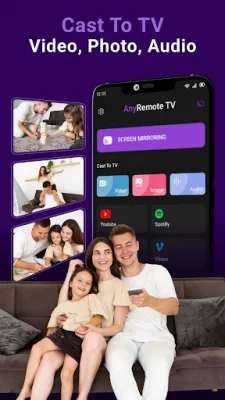
Latest Version
1.2.3
August 01, 2024
WELLY GLOBAL PUBLISHING
Tools
Android
0
Free
anyremote.universal.tv.remote.control.casttotv.miracast.rokuremote
Report a Problem
More About Universal TV Remote for RokuTV
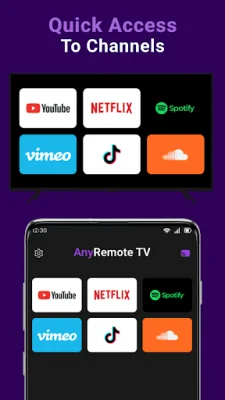
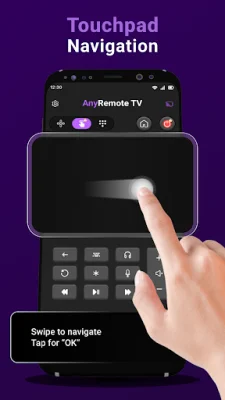
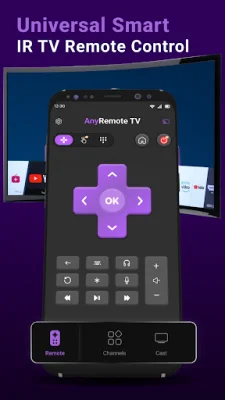
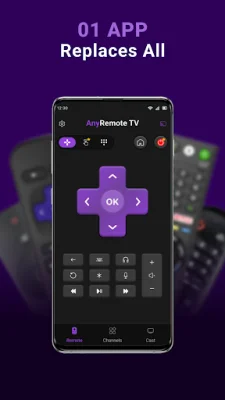
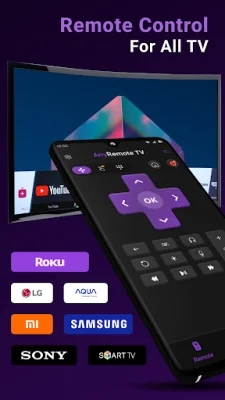
AnyRemote TV is a universal remote control application that allows you to control various TV brands, including Roku, Samsung, Panasonic, Mi, Sony, LG, OPPO, Vizio, Toshiba, TCL, and more. It is designed to make your TV viewing experience more convenient and hassle-free by eliminating the need for multiple remotes and providing a fast and reliable connection to your TV. One of the key features of AnyRemote TV is its extensive compatibility with a wide range of TV brands. This includes popular brands like Samsung, LG, Sony, Panasonic, TCL, Vizio, and most importantly, Roku TV. This makes it a versatile and convenient option for those who own multiple TVs from different brands. The app supports both built-in IR blasters on your smartphone and external IR blasters, making it easy to control your Roku and other TVs without any additional hardware. This ensures a seamless and effortless remote functionality. With AnyRemote TV, you can also create custom sequences of commands for your Roku TV or any other TV using the macro function. This allows you to switch between your favorite channels and specific inputs with just one tap. The app also offers features such as channel and volume control, as well as the ability to control smart TV features like browsing apps and streaming content. This makes it a comprehensive solution for all your TV remote needs. To use AnyRemote TV, simply download and install the app on your smartphone, select your TV brand from the extensive list, and establish a connection by pointing your phone at your TV. It's that easy! There are many reasons to choose AnyRemote TV as your go-to TV remote control. It eliminates the need for multiple remotes, provides a fast and reliable connection, and is a cost-effective solution for controlling various TV brands and models. The app also offers tips for a better experience, such as ensuring your smartphone's IR blaster or Wi-Fi is not obstructed and maintaining a clear line of sight between your phone and TV. It's important to note that AnyRemote TV is regularly updated to include new TV models and features, ensuring that you always have the most up-to-date remote control experience possible. However, the app is not affiliated with any TV brand or manufacturer and its functionality is subject to the compatibility and performance of your smartphone and TV. So why wait? Download AnyRemote TV today and experience the convenience of controlling your TV using your smartphone, especially as a Roku remote replacement. And don't forget to rate the app 5 stars to support the developer team!
Rate the App















Popular Apps









