
UsbTerminal
2.0.25 by Lior Hass (0 Reviews) August 10, 2024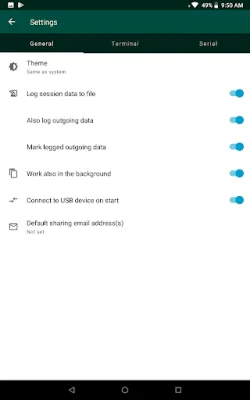
Latest Version
2.0.25
August 10, 2024
Lior Hass
Tools
Android
0
Free
com.liorhass.android.usbterminal.free
Report a Problem
More About UsbTerminal
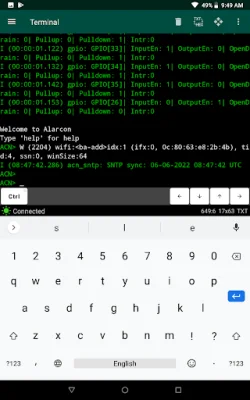
UsbTerminal is an open-source application that allows users to control devices through their phone or tablet's USB port. In order to use this app, the device must support USB-Host Mode, also known as USB On-The-Go (USB-OTG), and a USB-OTG cable is required. This app is particularly useful for controlling IoT devices like Arduino or ESP32, as well as communication devices such as routers with a serial console connector.
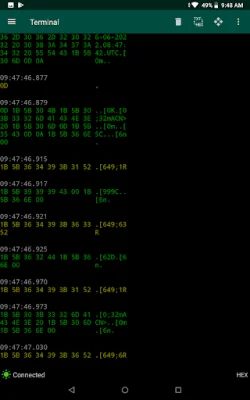
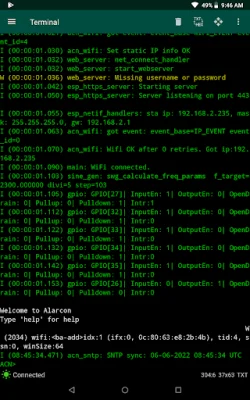
One of the main features of UsbTerminal is its support for various USB to Serial protocols and chips, including CDC-ACM, FTDI, Prolific, CH34x, and Silabs CP210x. It also offers two keyboard input modes: "Auto" mode, where characters are sent immediately as keys are clicked, and "Dedicated input field" mode, where input is only sent after clicking a "Send" button. Additionally, the app has partial support for ANSI/VT100 escape sequences and offers two display modes: Text and Hex.
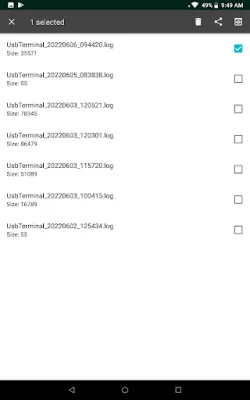
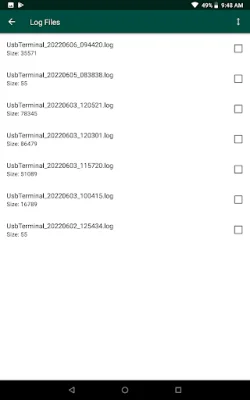
UsbTerminal also has the ability to maintain a connection and receive data in the background, as well as log sessions to files for further analysis. It also allows users to send control characters and control DTR and CTS. Other features include a large scroll-back buffer, a blinking cursor, a status line indicating connection state and error messages, built-in help, and shortcuts for resetting Arduino and ESP32 dev boards.
One unique advantage of UsbTerminal for Arduino users is its handling of DTR. Typically, when an Arduino board is connected to a PC, it will reboot every time a terminal emulator application is connected. However, UsbTerminal does not automatically set or reset the DTR signal, allowing the Arduino to continue its current task. Users can easily control the DTR signal from UsbTerminal with a dedicated button. This app does not require root access or special permissions, making it accessible for all users.
Rate the App















Popular Apps









