
UserLock Push
1.3.0 by IS Decisions (0 Reviews) August 02, 2024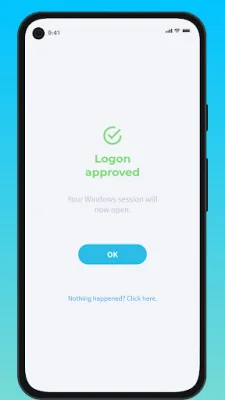
Latest Version
1.3.0
August 02, 2024
IS Decisions
Tools
Android
0
Free
com.isdecisions.userlockpush
Report a Problem
More About UserLock Push
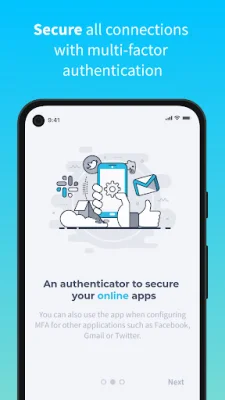
UserLock Push is an application that provides two-factor authentication for various services, including Gmail and Facebook. This means that in addition to entering your login credentials, you will also need to provide a second form of authentication to access your account. This added layer of security helps to protect your account from unauthorized access.
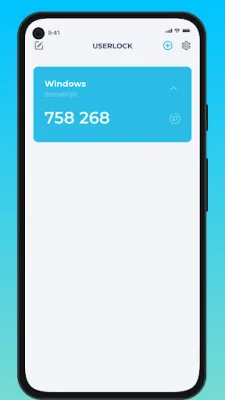
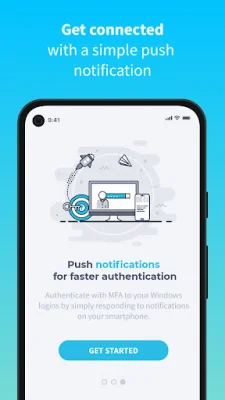
The app works by first entering your Active Directory login credentials. Once this is done, UserLock Push offers two options for two-factor authentication. The first option is a one-tap method, where you simply respond to a push notification from the app. The second option is to enter a TOTP code generated by the app. This code is unique and changes every time you log in, making it difficult for hackers to access your account.
When using UserLock Push, you will also be able to see the location, device, and time of the login attempt. This information can help you ensure that you are approving the correct request and that your account is not being accessed by someone else. Additionally, the app allows you to generate passcodes for other applications and web services by entering your login credentials and recovering the TOTP code from UserLock Push.
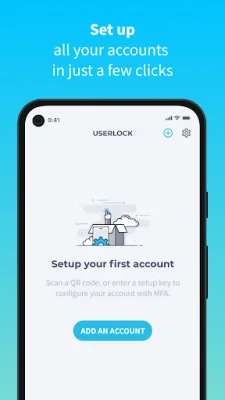
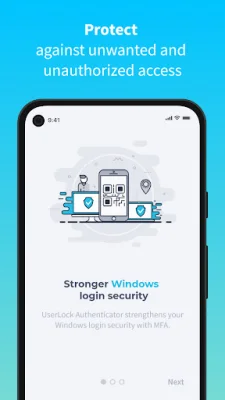
In order to use UserLock Push, your organization must first enable UserLock and activate your account. Once this is done, you can self-enroll with UserLock Push by following a few simple steps. First, you will need to install the app on your smartphone. Then, you can scan the QR code displayed at login and enter the code generated by the app to confirm activation. Once this is done, UserLock Push will be configured as a second authentication method for your Active Directory account.
One of the great features of UserLock Push is that you can add third-party accounts at any time for TOTP passcodes. This means that you can use the app to provide two-factor authentication for a variety of services, making it a convenient and versatile security tool. By using UserLock Push, you can help protect your accounts and sensitive information from potential cyber threats.
Rate the App















Popular Apps









