

Video Converter Pro
0.2.41 by VidSoftLab (0 Reviews) August 29, 2024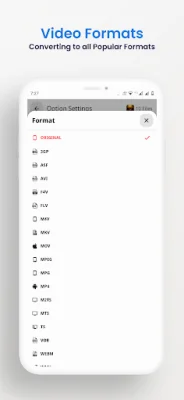
Latest Version
0.2.41
August 29, 2024
VidSoftLab
Tools
Android
0
$4.99
jaineel.videoconvertor.pro
Report a Problem
More About Video Converter Pro
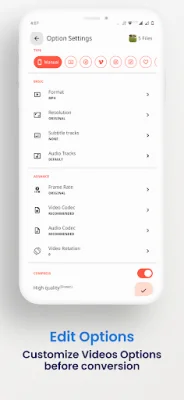
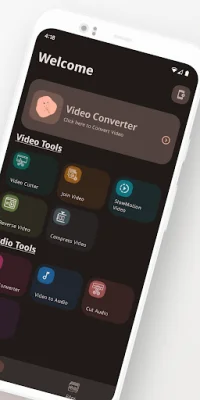
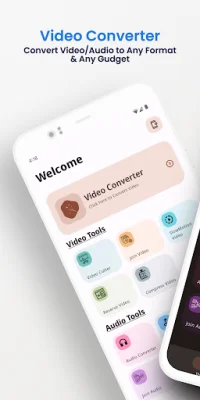
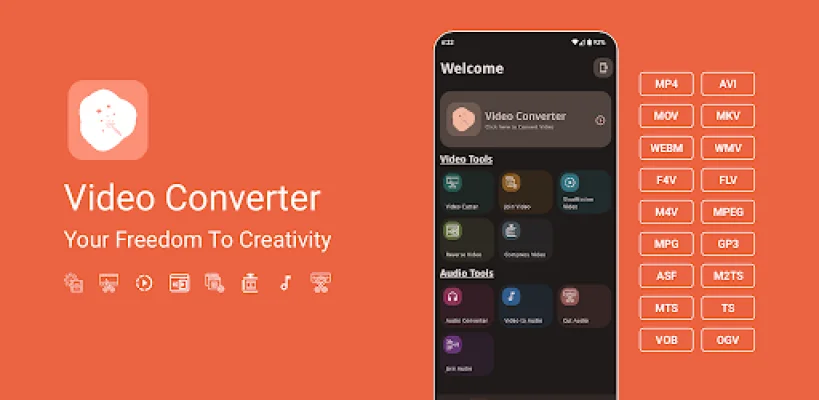
Video Converter Pro is an application for Android devices that offers a variety of useful functions such as video conversion, compression, trimming, merging, and more. It supports a wide range of video formats including MP4, MKV, AVI, and more. The app also includes video editing features like merging, trimming, cutting, reversing, stabilizing, and slow motion effects. It can also convert videos to MP3 and audio files to MP3 easily. Additionally, it supports DVD conversion and can compress videos of any size without compromising quality. The app also has a dark mode option and supports 4k/8k video conversion and HVAC H265 video codec.
The Video to MP3 Converter feature allows users to convert videos to MP3 or audio files to MP3 with ease. The app also supports over 50 languages and 200+ Android devices. It has a simple and user-friendly interface, making it easy to use for all users. The app also offers basic editing functions like slow-motion, trimming, merging, reversing, cutting, rotating, and stabilizing. Users can also join or merge videos by drag and drop arrangement on the timeline.
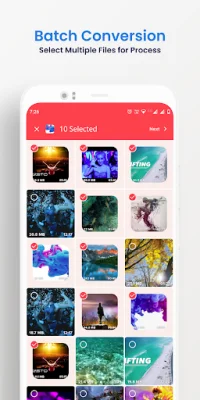
One of the main reasons why Vidsoftlab Video Converter Pro stands out as a professional video converter, compressor, trimmer, cutter, and merger is its advanced features and smooth design UI experience. It also offers super speed video conversion and compression, allowing users to convert, merge, trim, and cut videos without losing quality. The app also has the ability to compress videos to a very small size, freeing up memory space on the device. Users can also easily share their videos on social media platforms.
If there is a specific video format that is not currently supported by the app, users can leave a comment or email the developers and they will try to add support for it in future releases. The app also welcomes suggestions and questions from users. Overall, Video Converter Pro is a powerful and efficient tool for all video conversion and editing needs on Android devices.
Rate the App














Popular Apps









