

WiFi Analyzer - WiFi Test
1.1.13 by WiFi Extender - WiFi Analyzer & WiFi Speed Test (0 Reviews) August 02, 2024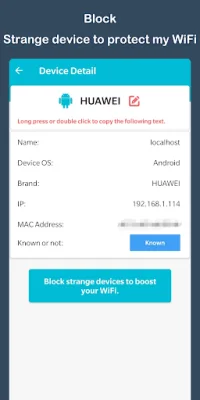
Latest Version
1.1.13
August 02, 2024
WiFi Extender - WiFi Analyzer & WiFi Speed Test
Tools
Android
0
Free
com.wifianalyzer.networktools.wifitest
Report a Problem
More About WiFi Analyzer - WiFi Test
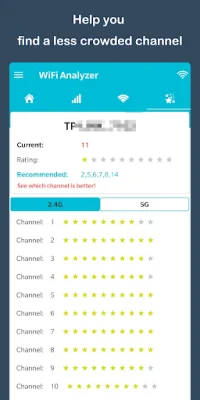
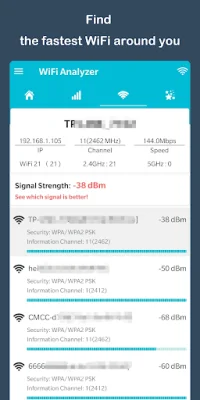
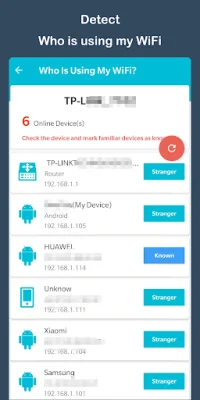
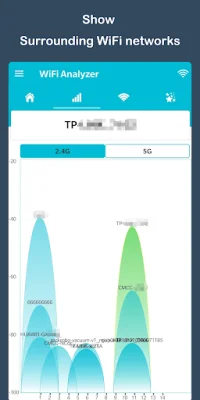
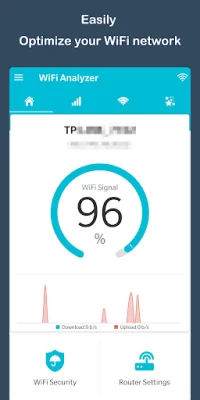
WiFi Analyzer is a useful application that allows you to view the WiFi channels around you. It helps you find a less crowded channel for your wireless router, which can improve your network performance. This app also serves as a WiFi protector, as it can detect and block strange devices that may be using your WiFi without your knowledge. With WiFi Analyzer, you can easily monitor and analyze your WiFi network. It provides useful information about the WiFi signals in your area, supporting both 2.4GHz and 5GHz frequencies. This can be especially helpful if you want to optimize your WiFi network by identifying crowded channels and measuring signal strength. To use WiFi Analyzer, simply open the app and it will scan for nearby access points. It also offers a WiFi optimizer feature, which allows you to examine surrounding WiFi networks and recommends the best channels for your router. This can help improve your network performance and avoid interference from other WiFi networks. One of the key features of WiFi Analyzer is its ability to detect crowded channels. This can be a common issue in areas with many WiFi networks, as they can interfere with each other and cause slower speeds. By identifying these crowded channels, you can adjust your router settings to avoid them and improve your WiFi experience. In summary, WiFi Analyzer is a powerful tool for managing and optimizing your WiFi network. It provides detailed information about nearby WiFi channels, recommends the best channels for your router, and helps you protect your WiFi security. With its user-friendly interface and helpful features, this app is a must-have for anyone looking to improve their WiFi experience.
Rate the App















Popular Apps









