

Wireless PC Mouse & Keyboard
1.10 by Shradhika Apps (0 Reviews) September 07, 2024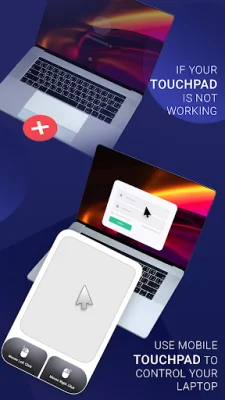
Latest Version
1.10
September 07, 2024
Shradhika Apps
Tools
Android
0
Free
com.shradhika.wirelesspcmouse.keyboard.kk
Report a Problem
More About Wireless PC Mouse & Keyboard
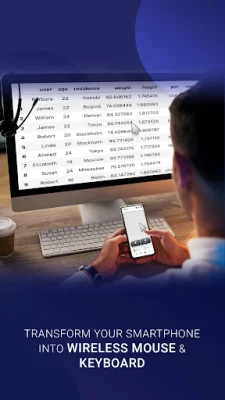
This application allows you to connect your Android device to other devices via Bluetooth. It has a variety of features that make it easy to pair and use your phone as a wireless mouse, trackpad, keyboard, number pad, media controller, and even for voice input.
The Paired Device List feature allows you to easily connect to devices that you have previously paired with your phone. You can view detailed information about each device, such as its name, and use your phone to click on paired devices.
The Available Device Discovery feature allows you to explore nearby Bluetooth devices and pair new connections. This means you can connect your phone to a variety of compatible devices, such as PCs, smartphones, laptops, and even Android TVs.
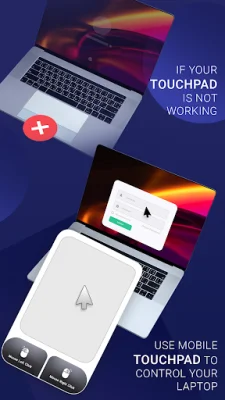
The Mouse and Trackpad Functionality feature transforms your Android device into a wireless mouse or trackpad. This allows you to control the cursor on your connected device using your phone's touchscreen. You can also use left and right-click functionality and scroll gestures, making it easy to navigate and use your connected device.
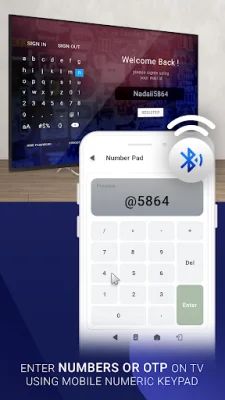
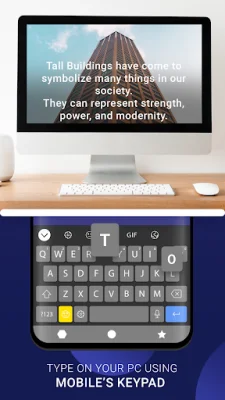
The Keyboard feature allows you to use your phone's keyboard to type on your connected Bluetooth devices. This means you can easily type on your PC or laptop using your phone, making it convenient for tasks like typing emails or documents. The Number Pad feature also allows you to use your phone as a number pad for your connected devices, making it easy to input numbers.
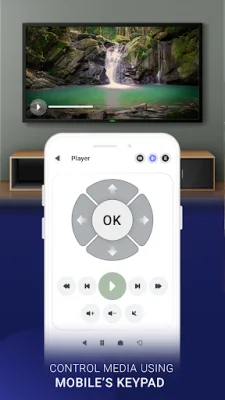
The Media Controller feature allows you to control media on your connected devices using your phone. You can play, pause, adjust the volume, and even skip forward or backward using the wireless media controller feature. And with the Voice Input feature, you can enter text on your PC or laptop using your voice, making it a convenient and hands-free option for typing. Overall, this application offers a variety of useful features that make it easy to connect and use your Android device with other devices via Bluetooth.
Rate the App















Popular Apps









