

XBXPlay: Remote Play
1.8.0 by Stream Game Dev (0 Reviews) October 26, 2024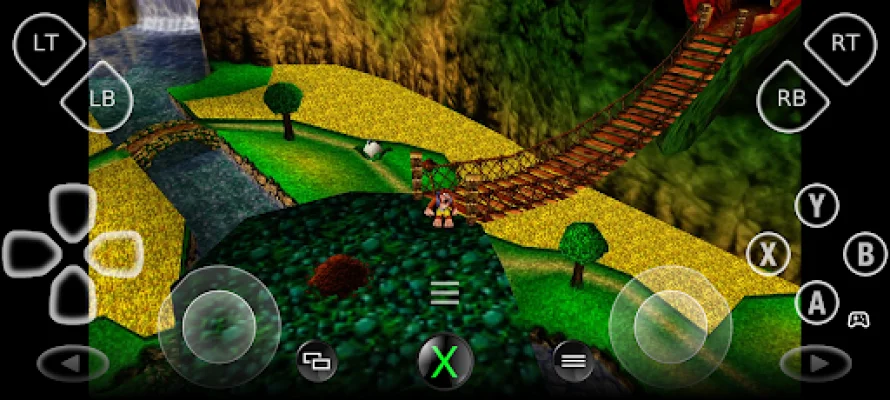
Latest Version
1.8.0
October 26, 2024
Stream Game Dev
Tools
Android
0
$6.49
com.grill.xbxplay
Report a Problem
More About XBXPlay: Remote Play
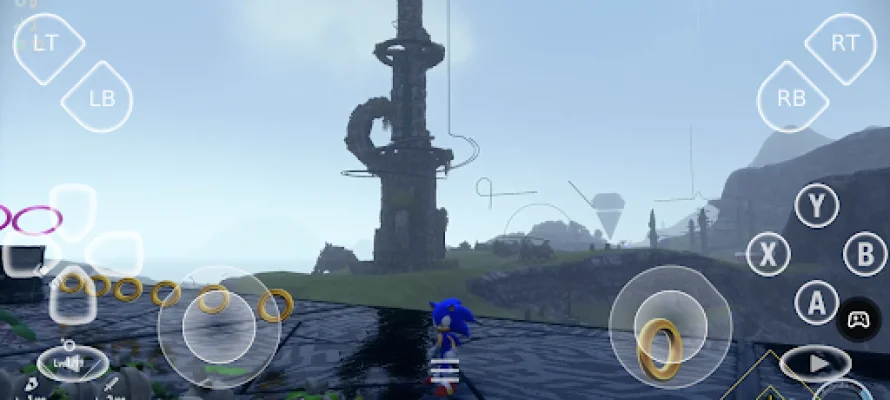
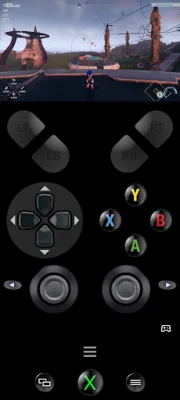
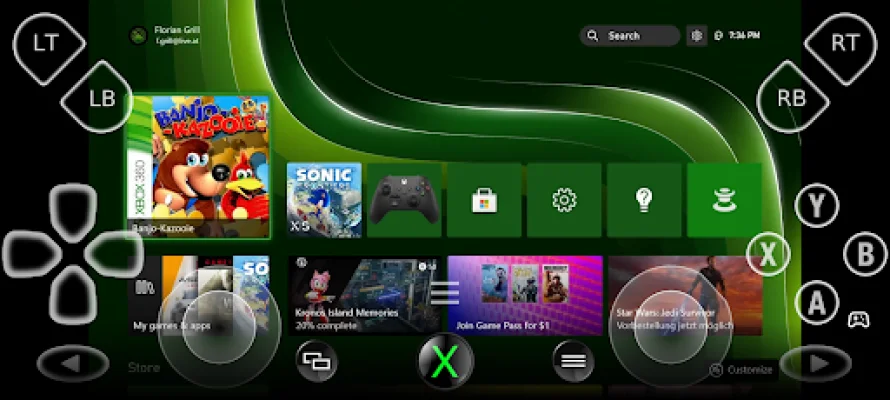
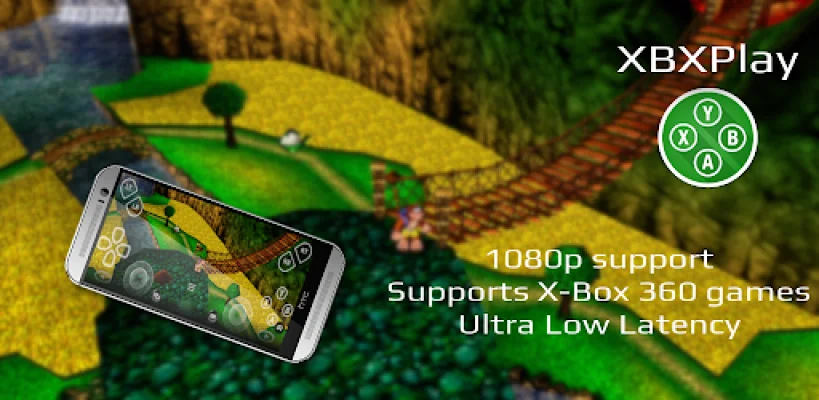
XBXPlay is an application that allows you to remotely control your X-Box Series X/S or X-Box One consoles without any limitations. This means that you can play your favorite games in 1080p resolution even when you are away from your console. The app has been optimized to provide the lowest possible latency for a smooth streaming experience. It also supports third-party controllers and mobile data connections, making it convenient for users to play their games on the go. Additionally, XBXPlay allows you to play X-Box 360 games on your console, and even offers a touch-optimized onscreen gamepad layout for those who don't have a physical gamepad connected.
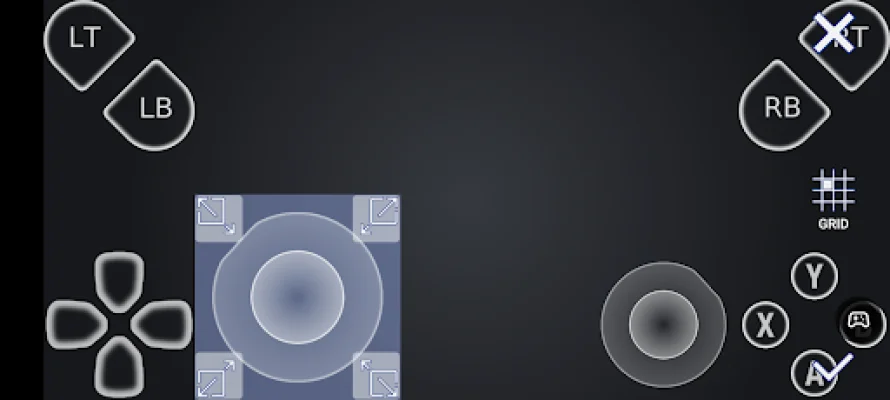
Compared to the official X-Box Remote Play app, XBXPlay offers several additional features such as 1080p support, manual bitrate adjustments, customizable onscreen gamepad layouts, fullscreen support, gamepad button mapping, and native USB-OTG support. It also has Picture-In-Picture and Multi-Window support for devices with Android 8.0 or newer and 7.0 or newer, respectively. The app is specifically designed for low latency streaming, although microphone input is currently not supported.
For optimal performance, XBXPlay recommends using a device with a dual core CPU, 2 GB or more of RAM, and a display resolution of 1024x768 or higher. A wired internet connection for your X-Box is also strongly recommended, and connecting your device to a 5GHz WiFi network can help minimize delays. A stable high-speed internet connection with upload and download speeds of at least 20 Mbps is also necessary for remote play.
XBXPlay supports any X-Box game that has Remote Play capabilities, including X-Box 360 backwards compatibility games. It can also be used as a virtual gamepad for your X-Box console. The app has a community on Reddit where users can share their experiences and provide feedback. For support and feedback, users can visit the XBXPlay website for more information.
It is important to note that XBXPlay only works with the latest X-Box One/Series firmware. Users are advised not to upgrade to a newer firmware version until it is confirmed that XBXPlay is still compatible. In case of any issues, it may take some time for the developer to fix them. For those who want to play over the internet, there are instructions available on the XBXPlay website. The app also gives credit to the OpenX-box team for their support and contribution to the project. XBXPlay is not endorsed or affiliated with Microsoft or any of its subsidiaries, logos, or trademarks. All mentioned trademarks are the property of their respective owners.
Rate the App












Popular Apps









