
Air Mouse (PC Remote)
5.1.2 by Atompunk Tech & Utilities (0 Reviews) September 02, 2024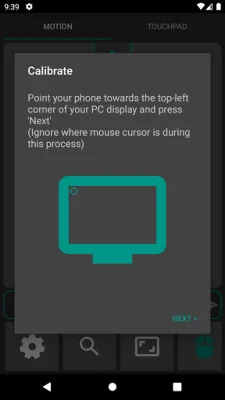
Latest Version
5.1.2
September 02, 2024
Atompunk Tech & Utilities
Tools
Android
0
Free
com.bytasaur.airmouse
Report a Problem
More About Air Mouse (PC Remote)
This application allows you to control your PC's mouse using your phone's motion sensors. You can download the Windows application from the provided links and run it on your PC. There is also a beta version available for Linux and Mac OS, but you will need to contact the developer for more information.
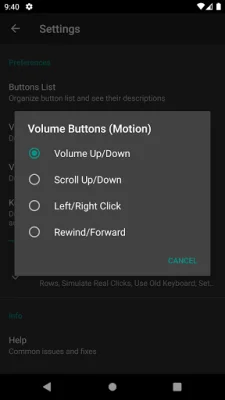
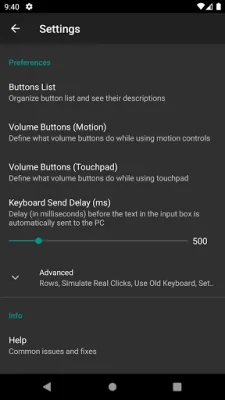
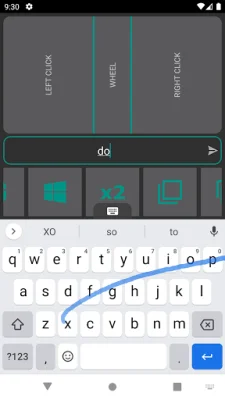
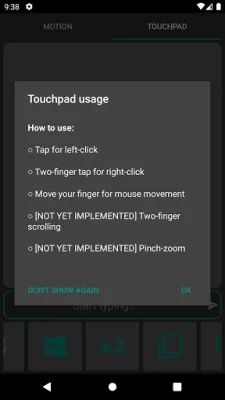
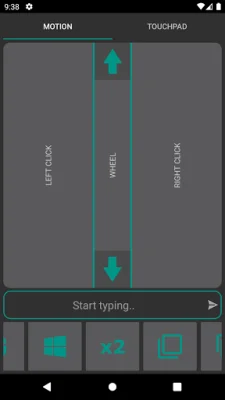
The app has various features such as left/right click, scroll input, and keyboard input. You can also use your phone's volume buttons to control the PC's volume and perform other actions like scrolling and clicking. A new feature has been added which allows you to use your phone's touchpad as a laptop touchpad to control the mouse.
It is important to note that the accuracy of the mouse pointer depends on the quality of your phone's sensor. The developer also requests that users do not leave bad reviews claiming that the Windows app contains a virus. If you are concerned, you can build the server application from scratch using the provided GitHub repo.
When running the Windows application for the first time, you may encounter a warning from Windows. Simply click on "More info" and then "Run anyway" to proceed. Additionally, the application needs to be allowed through Windows Firewall in order to function properly.
The developer mentions that they are a standalone developer and cannot afford the costs for digital certificates required to sign the executables. This is why you may encounter warnings when running the application. They also encourage users to be original and SEO-oriented when leaving reviews.
Rate the App















Popular Apps









