
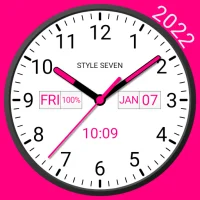
Analog Clock Widget Plus-7
5.2 by Style-7 (0 Reviews) August 26, 2024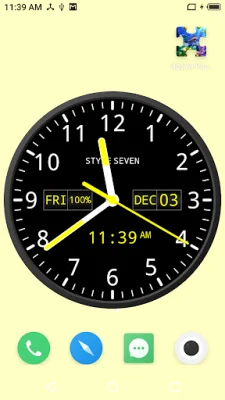
Latest Version
5.2
August 26, 2024
Style-7
Tools
Android
0
Free
com.style_7.analogclockwidgetplus_7
Report a Problem
More About Analog Clock Widget Plus-7
This application allows you to use an analog clock in various ways. Firstly, you can use it as a topmost or floating clock that will be displayed above all other windows on your device. You can easily adjust the position and size of the clock by using the drag and drop method.
Secondly, you can use the analog clock as a live wallpaper on your home screen. This means you can customize the size and position of the clock to your liking.
Thirdly, the analog clock can also be used as an app widget. You can resize it using the standard method for widgets.
In addition, the clock can be used in fullscreen mode with the option to keep the screen on. This is useful if you want to use the clock as a screensaver or for other purposes.
The clock also has the ability to speak the current time either by double tapping on the screen or periodically, such as every hour. This can be a helpful feature for those who have difficulty reading the time or for those who prefer to have the time announced to them.
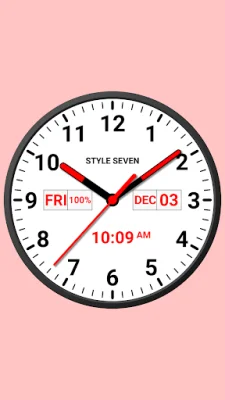
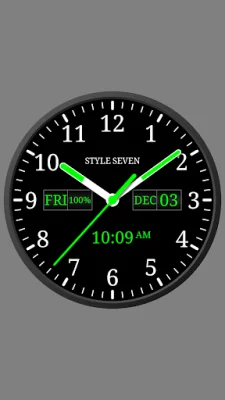
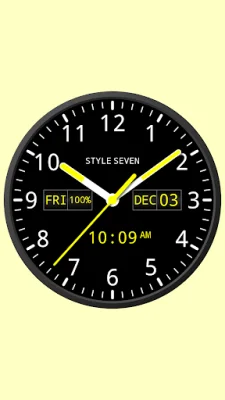
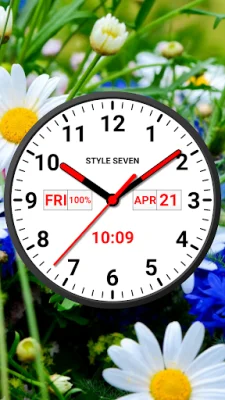
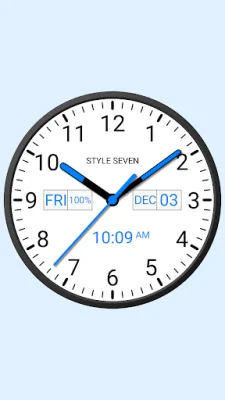
There are many customizable options for the appearance of the clock, making it easy to create a personalized look. You can choose between a light or dark style for the dial, select from various fonts, and even add additional information such as the day of the week, date, month, and battery charge. You can also choose to hide or move this information to different positions on the clock.
The clock is also universal, as the month and day of the week will be displayed in the language set by your global settings. You can also choose to display the second hand and customize its background and secondary color. Additionally, you can choose to use a background image or a gray color for the display text.
Lastly, the clock supports both 12 and 24-hour time formats according to your global settings. It also has the option to speak the current time in various intervals, such as every 1, 5, 15, 30, or 60 minutes. The widget version of the clock can also speak the time with just a tap. And for convenience, the option to keep the screen on is available for the application. Overall, this analog clock application offers a variety of features and customization options to enhance your time-telling experience.
Rate the App















Popular Apps









